Connector catalog › Virtualization

Virtualization

OVHcloud

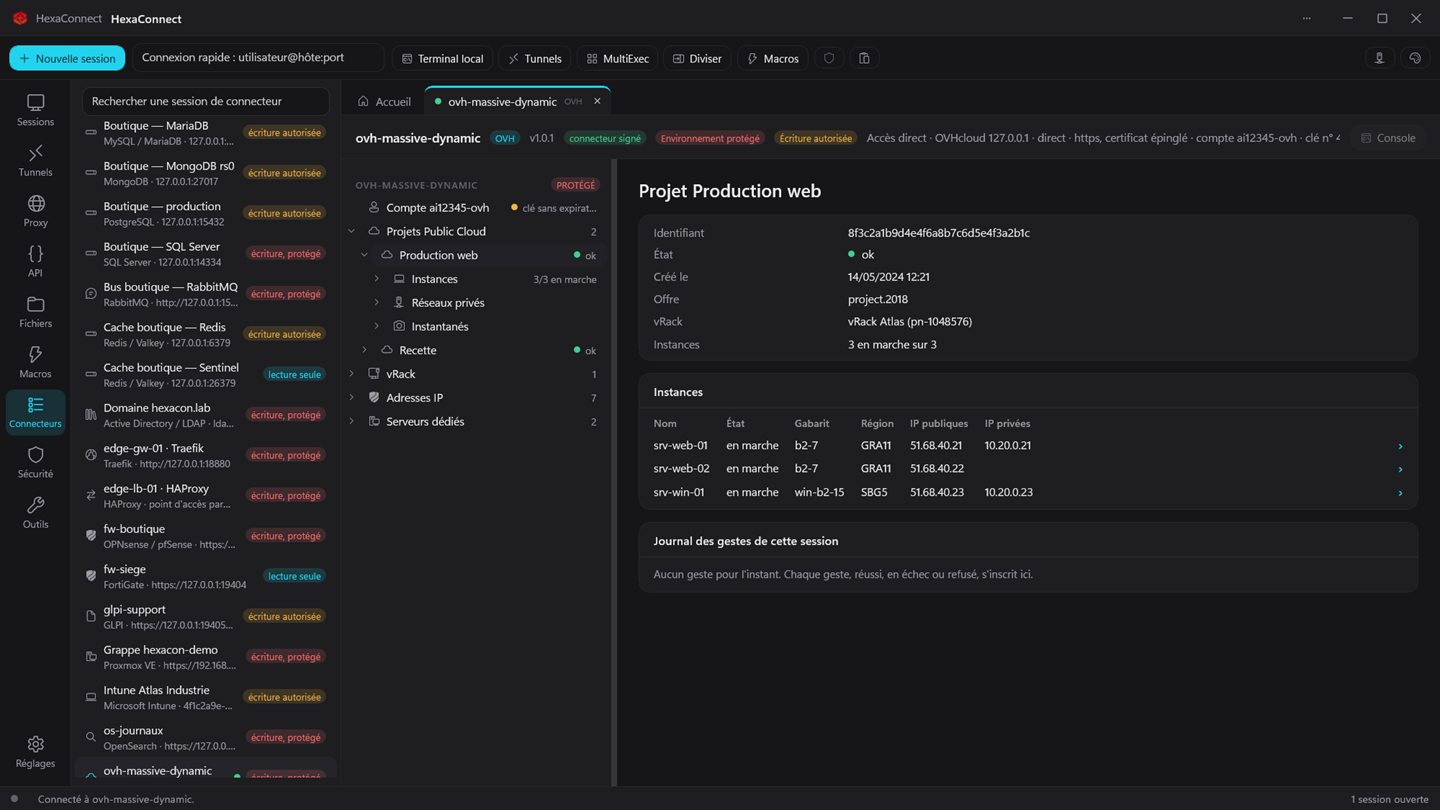
Your OVHcloud account in HexaConnect: Public Cloud, vRack, IP addresses and their firewall, dedicated servers.

Install it from HexaConnect's Connectors view.

Discovery

What you see

  • Public Cloud projects: instances, private networks, snapshots; vRack and what is attached to it
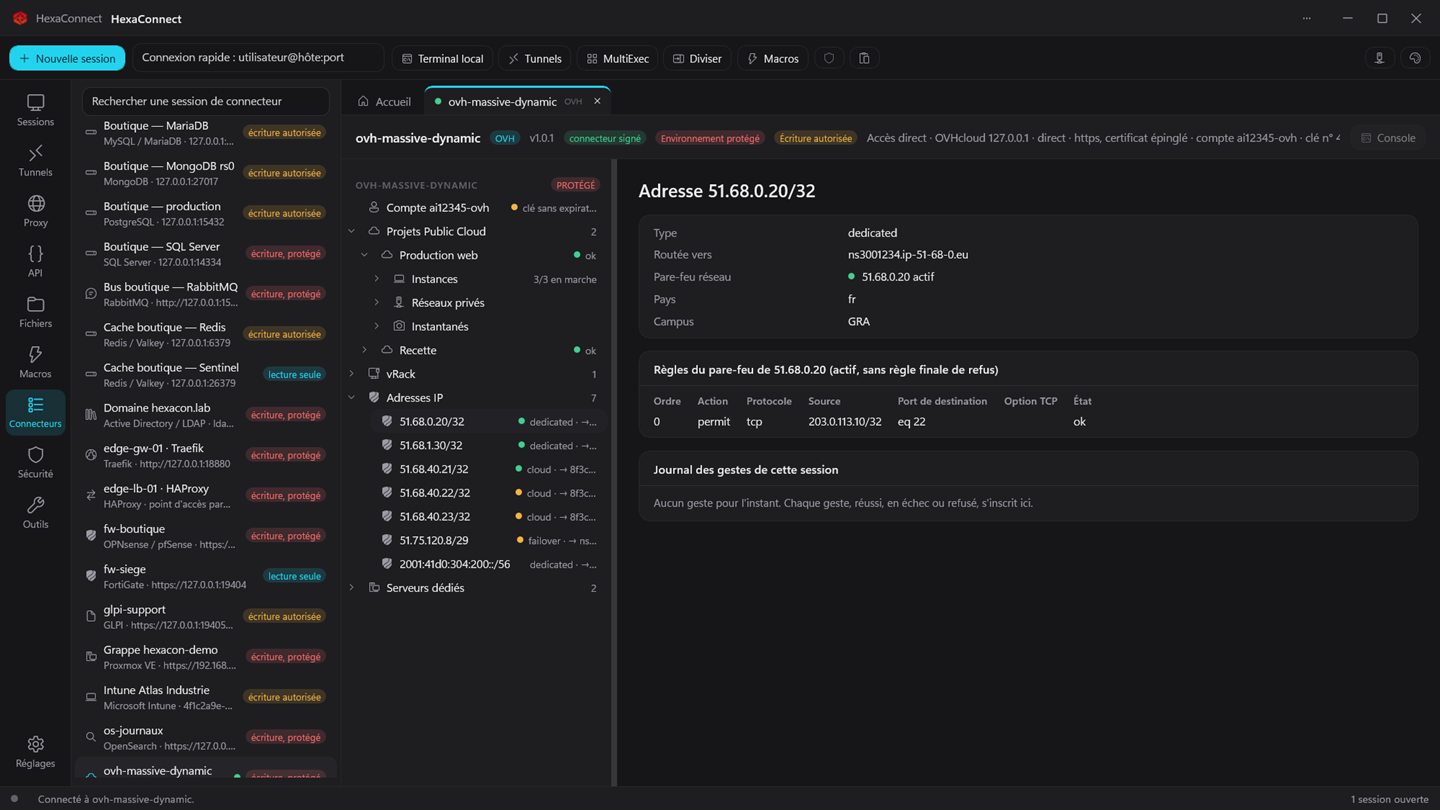
  • IP addresses, the service each one is routed to, network firewall and its rules in order
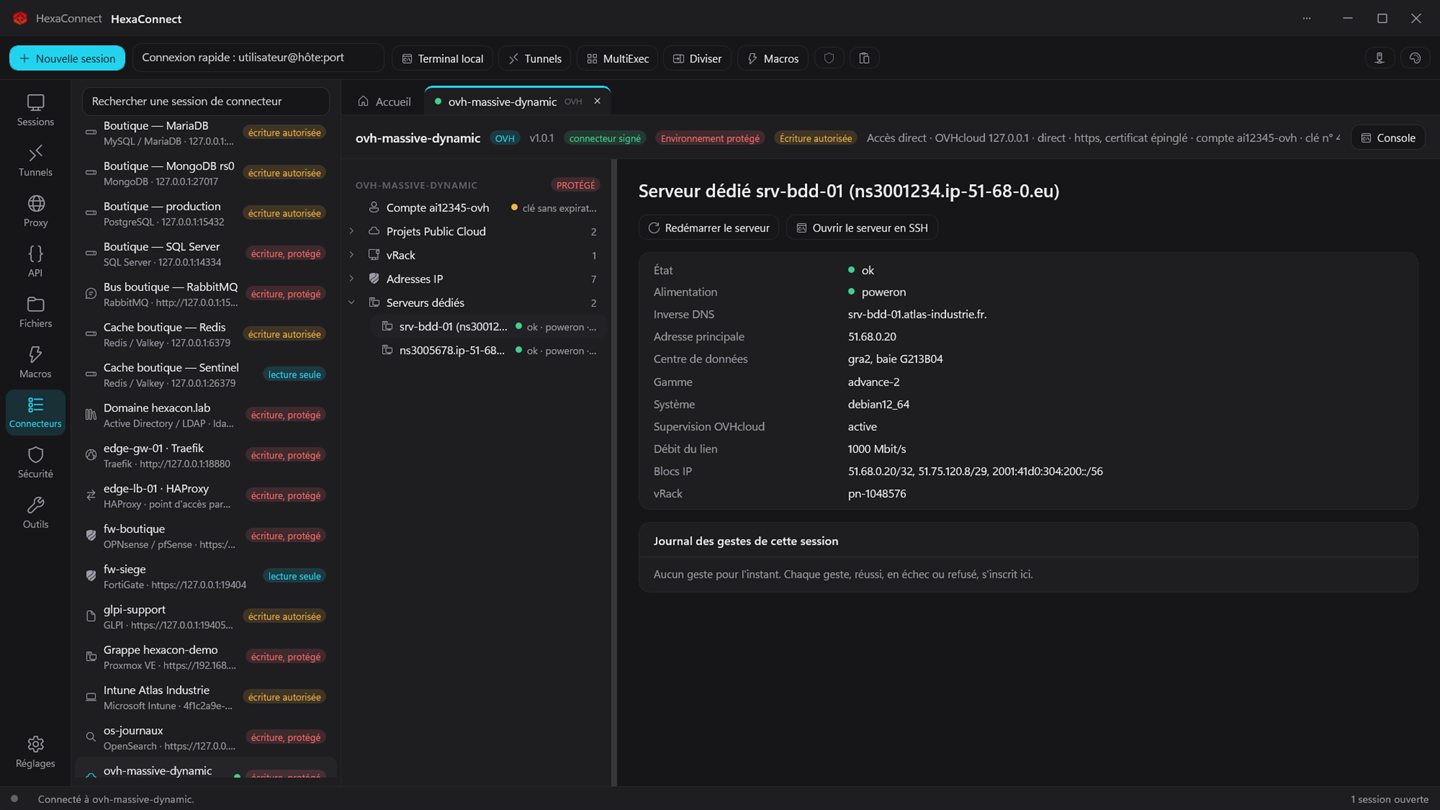
  • Dedicated servers: state, power, datacenter, OVHcloud monitoring
  • Audit: API key without expiry or with write access to the whole account, addresses without an active firewall, server flagged as hacked
Pro

Everyday actions

  • Start or stop an instance, take a snapshot of it (exact body in the preview)
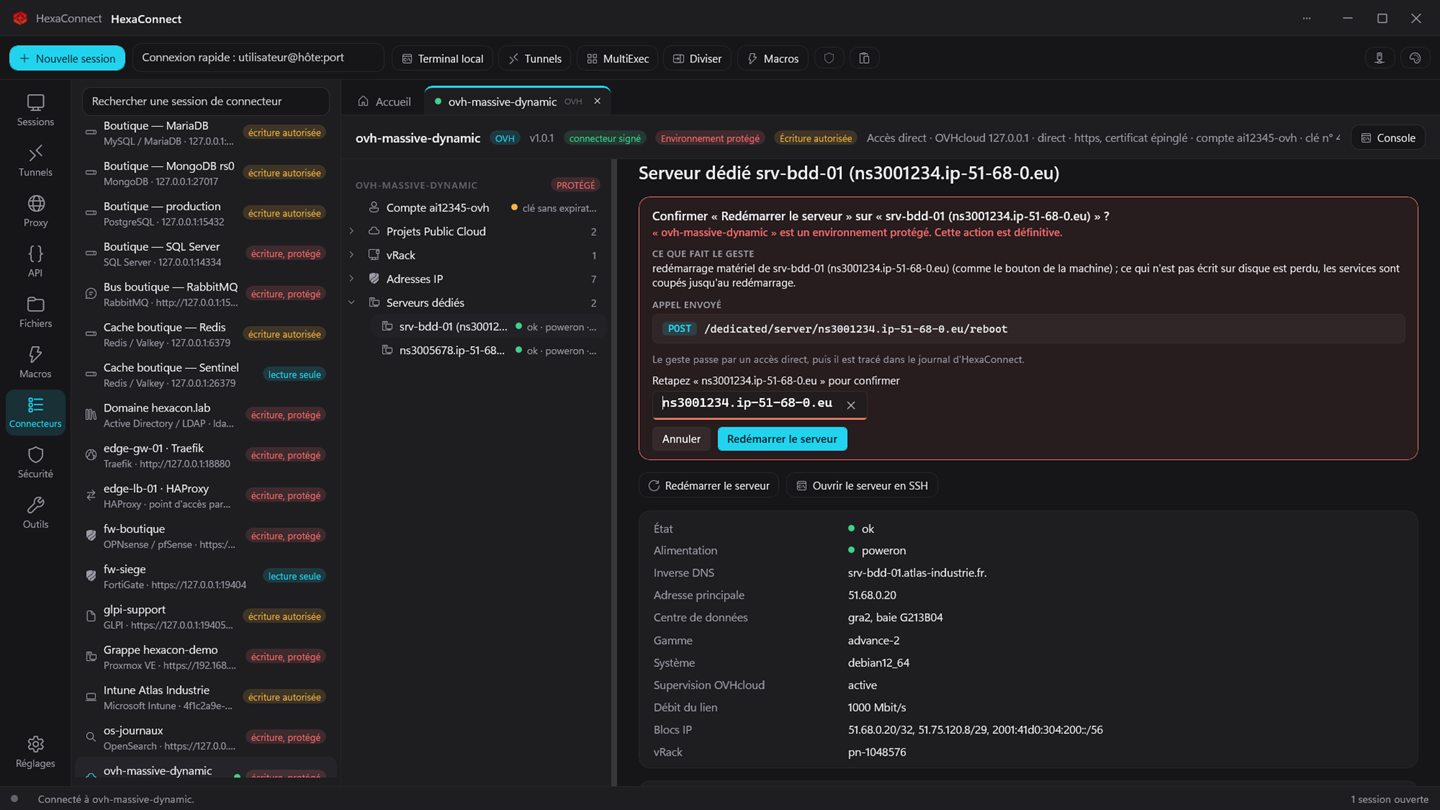
  • Reboot a dedicated server, service name to retype in production
  • Open an instance or a server over SSH or RDP

Access

Keys in the vault, requests signed on the workstation: the secret never leaves. Europe, Canada or United States; SSH relay possible.

Plan

Read with Discovery, actions with Pro or Enterprise.

Available

Driver and license

No third-party driver: Massive Dynamic code.

Documentation

Recommended account

An API key created for HexaConnect (the region's createToken page): GET /* to read; for actions, POST only on …/instance/*/start, stop and snapshot and on /dedicated/server/*/reboot; a validity period and a restriction to the administration's addresses.

Connector documentation →

Trademarks mentioned belong to their respective owners; their mention implies neither partnership nor endorsement.