What’s new
What changes in each public version of HexaConnect, newest first. Updates install themselves if you installed HexaConnect from the Download page.
0.1.0 — beta, in preparation
First version distributed outside Massive Dynamic.
- A standalone app. HexaConnect installs on its own, from a signed MSIX package, and updates automatically.
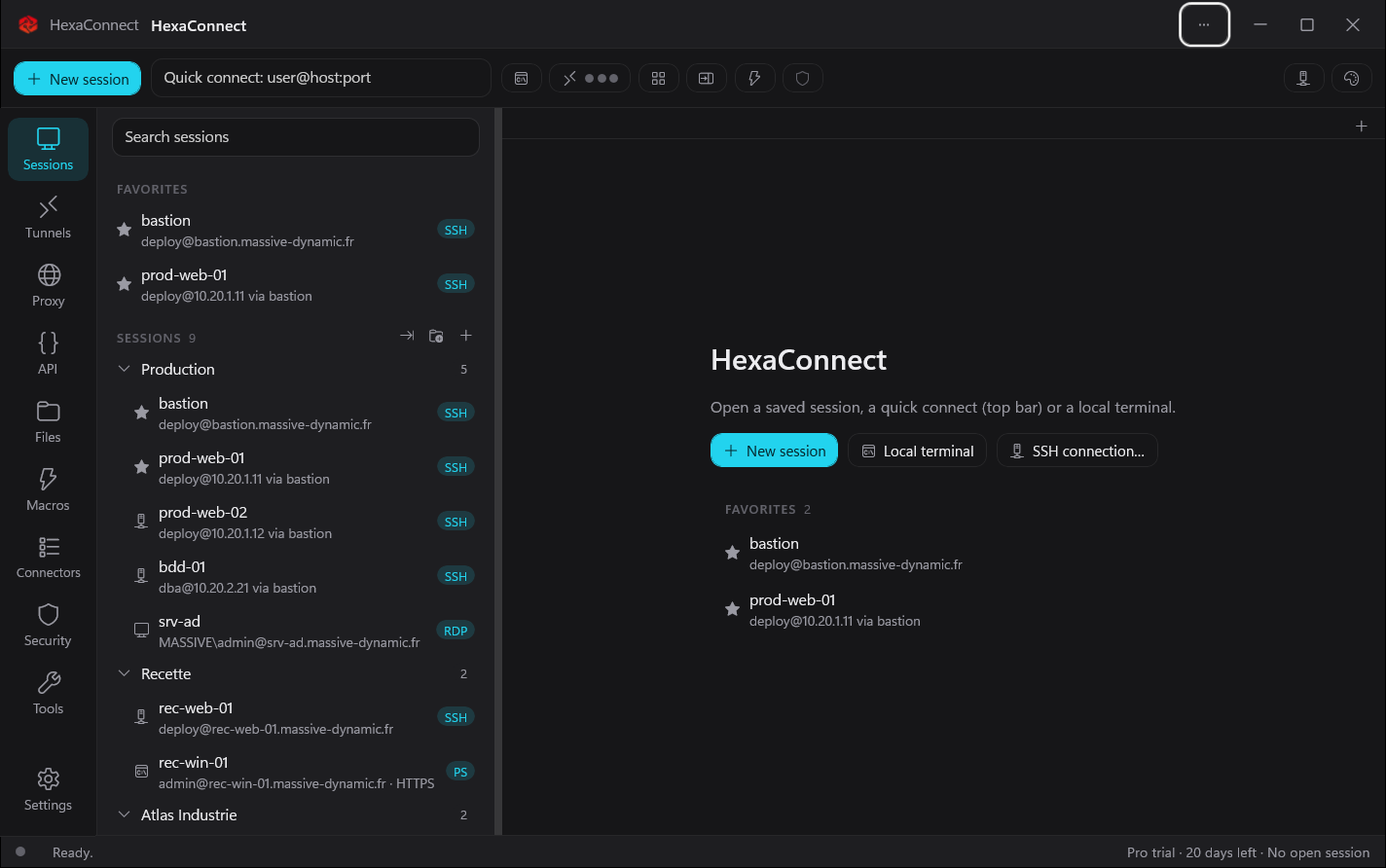
- Always there, even with the window closed. HexaConnect stays in the notification area: sessions and tunnels keep running, alerts arrive as Windows notifications, and the taskbar jump list opens your recent sessions.
- Licenses in the app. Paste a key on the Licenses page and it applies without a restart; the 20-day Pro trial starts on first launch.
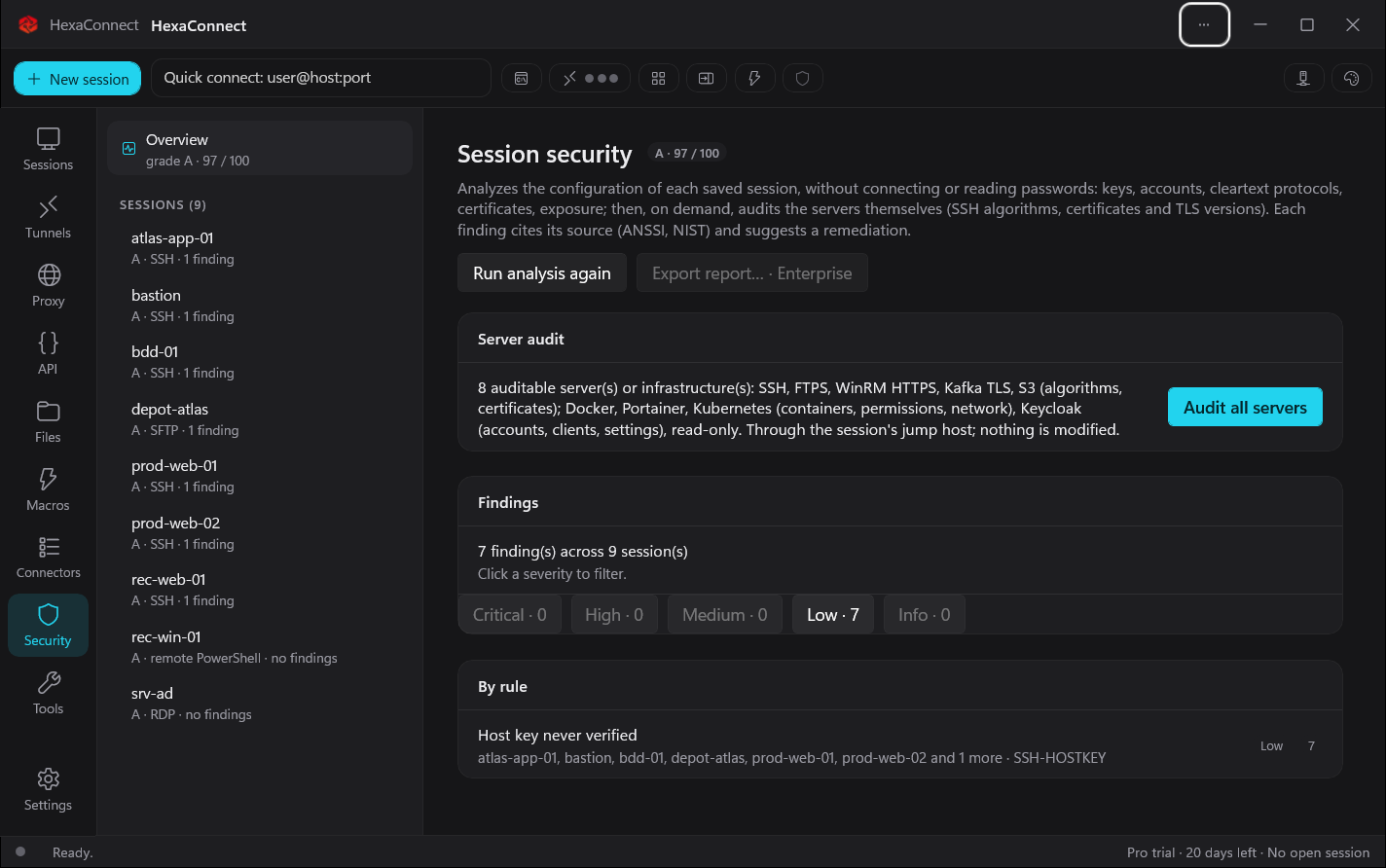
- Security button. A shield in the toolbar shows the security level of the session in front at a glance: green, orange or red, with details on hover.
- File buffer between sessions. In an SSH terminal, a local one (Git Bash, WSL, PowerShell), remote PowerShell or Mosh,
buffer filesets a file or folder aside (buffer -cto cut); one click in the Buffer button drops it into the current folder of another session. Nothing is installed on the server, and the source of a cut item is deleted only after a successful paste. An item can also be dragged to File Explorer. Learn more. - SSH session prompt. HexaConnect can send its own prompt when a session opens: nothing is installed or written on the server, and it all goes away when you disconnect.
- Migrating from Hexabox. If you used the HexaConnect extension in Hexabox, your sessions, tunnels, settings and passwords are taken over on first launch.