What you see
- Memory, page life expectancy, top waits
- Databases, files, log and latest backups
- Sessions and blocking chains
- SQL Server Agent jobs and their history
- Always On availability groups: replicas, queues, lag
Connector catalog › Databases

Instance, databases, backups, Agent jobs and Always On groups of a SQL Server.
Install it from HexaConnect's Connectors view.
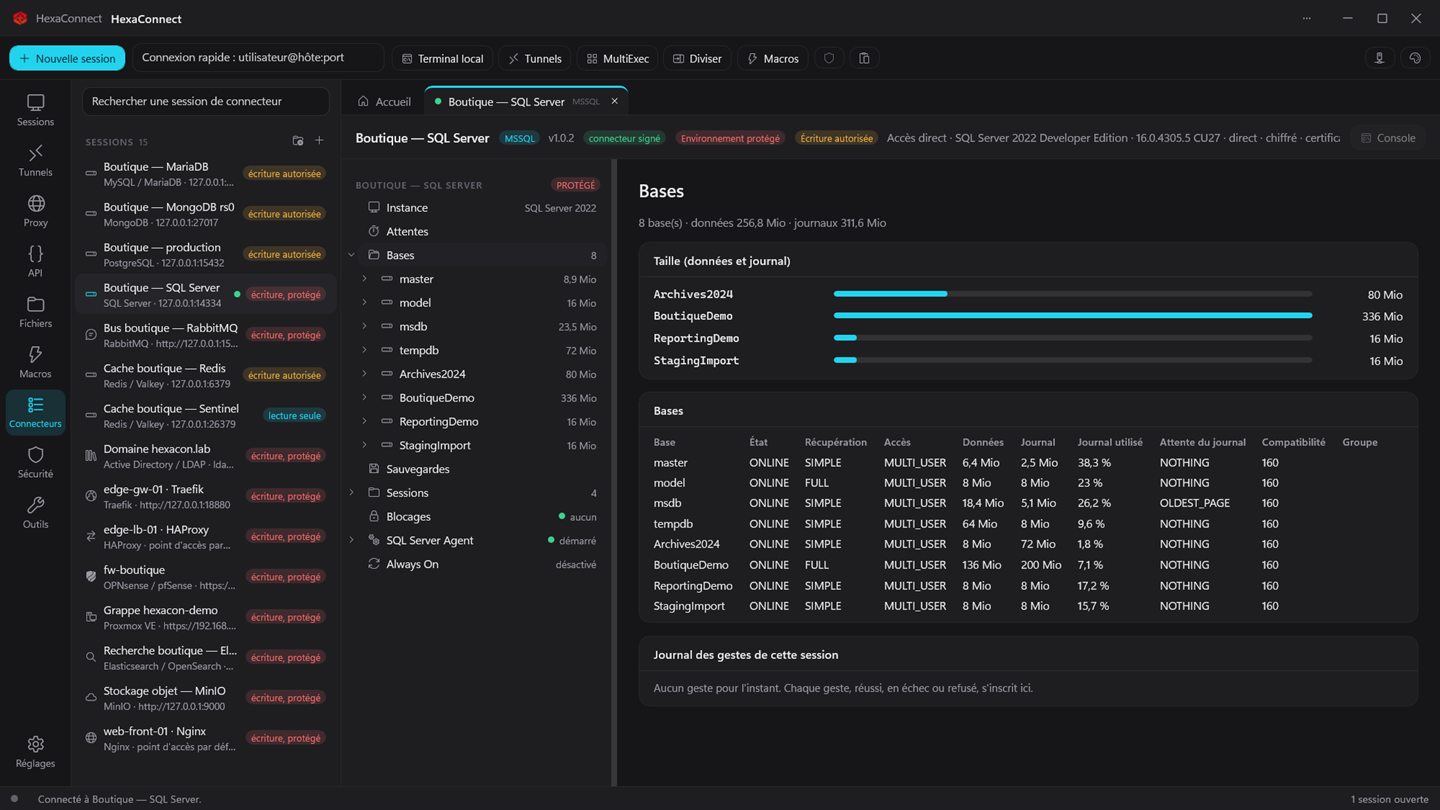
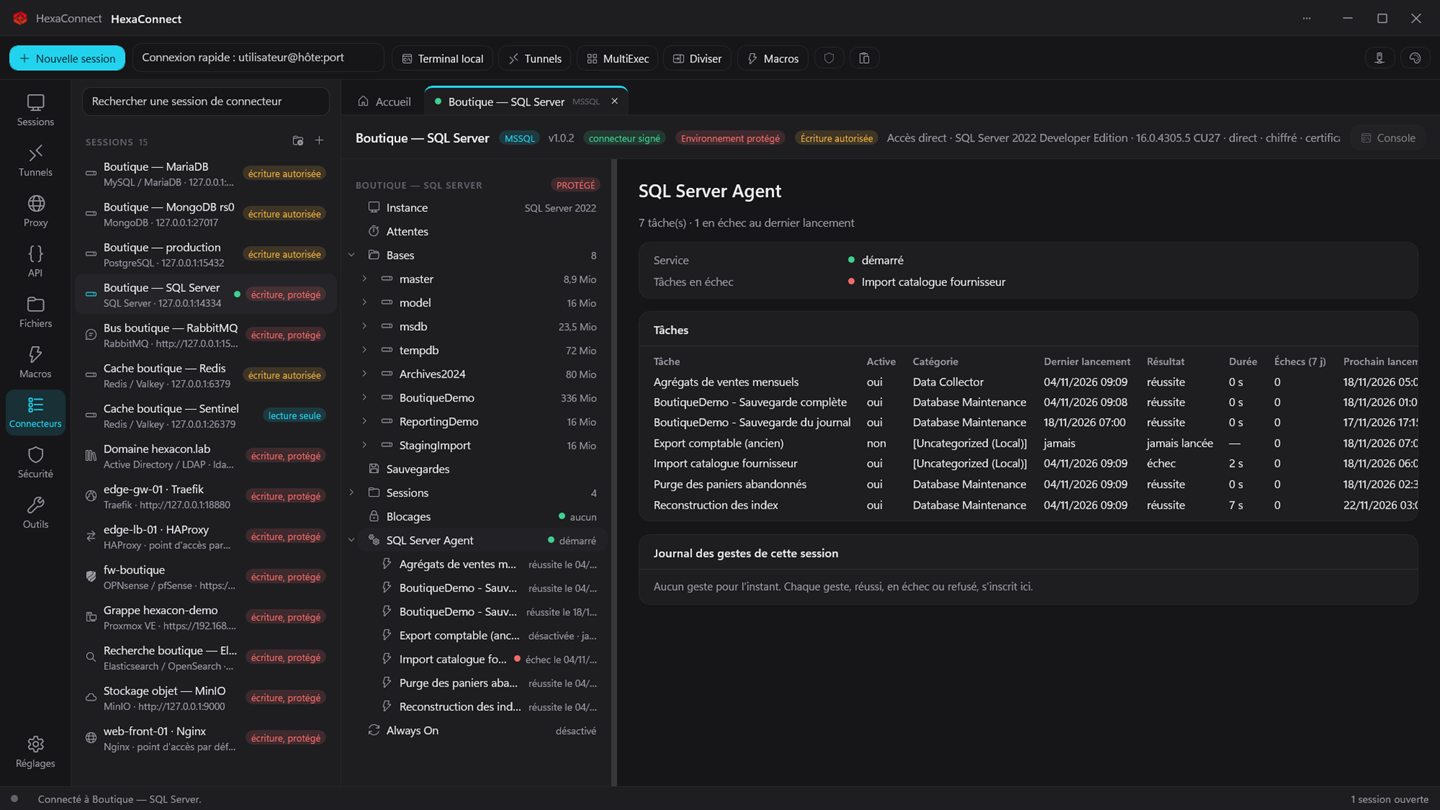
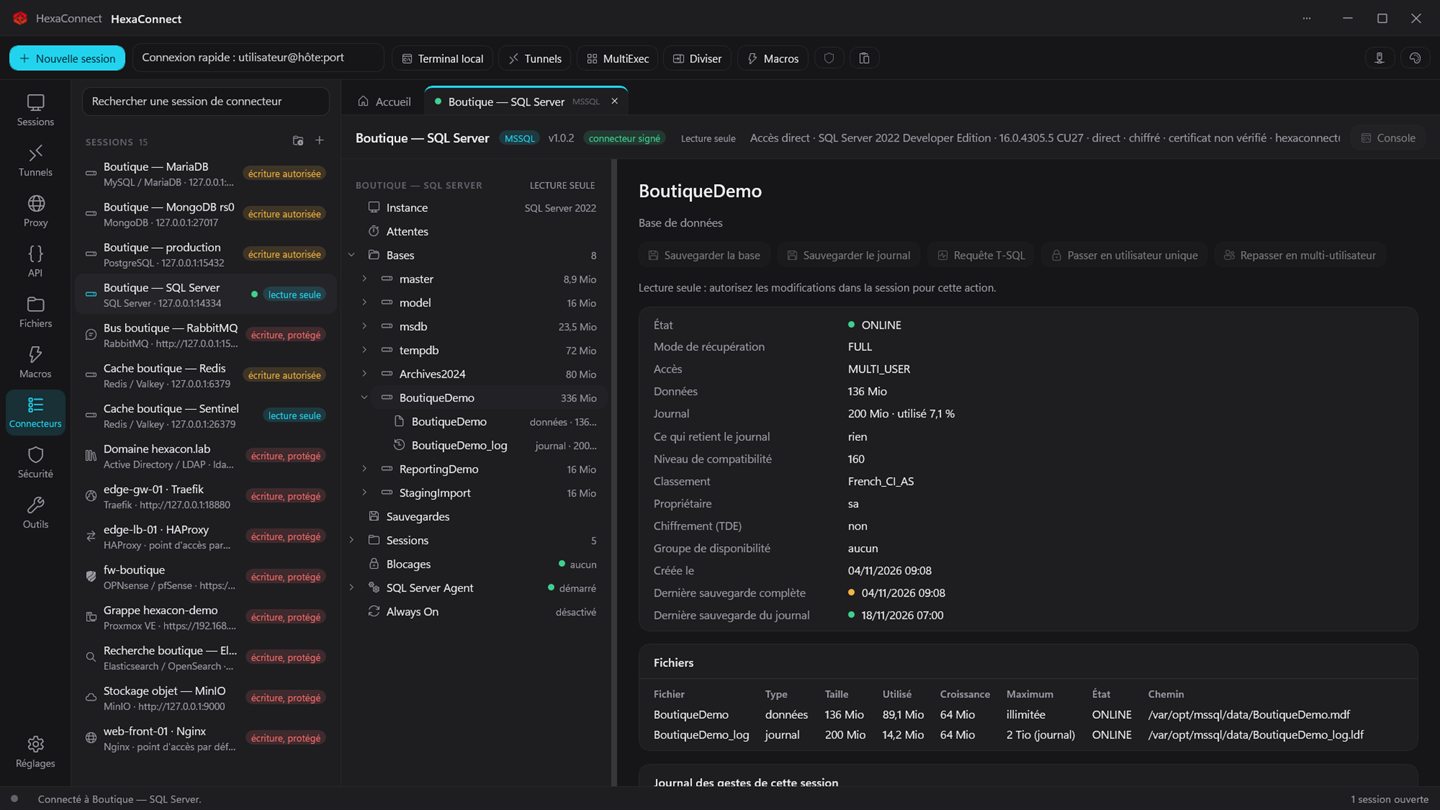
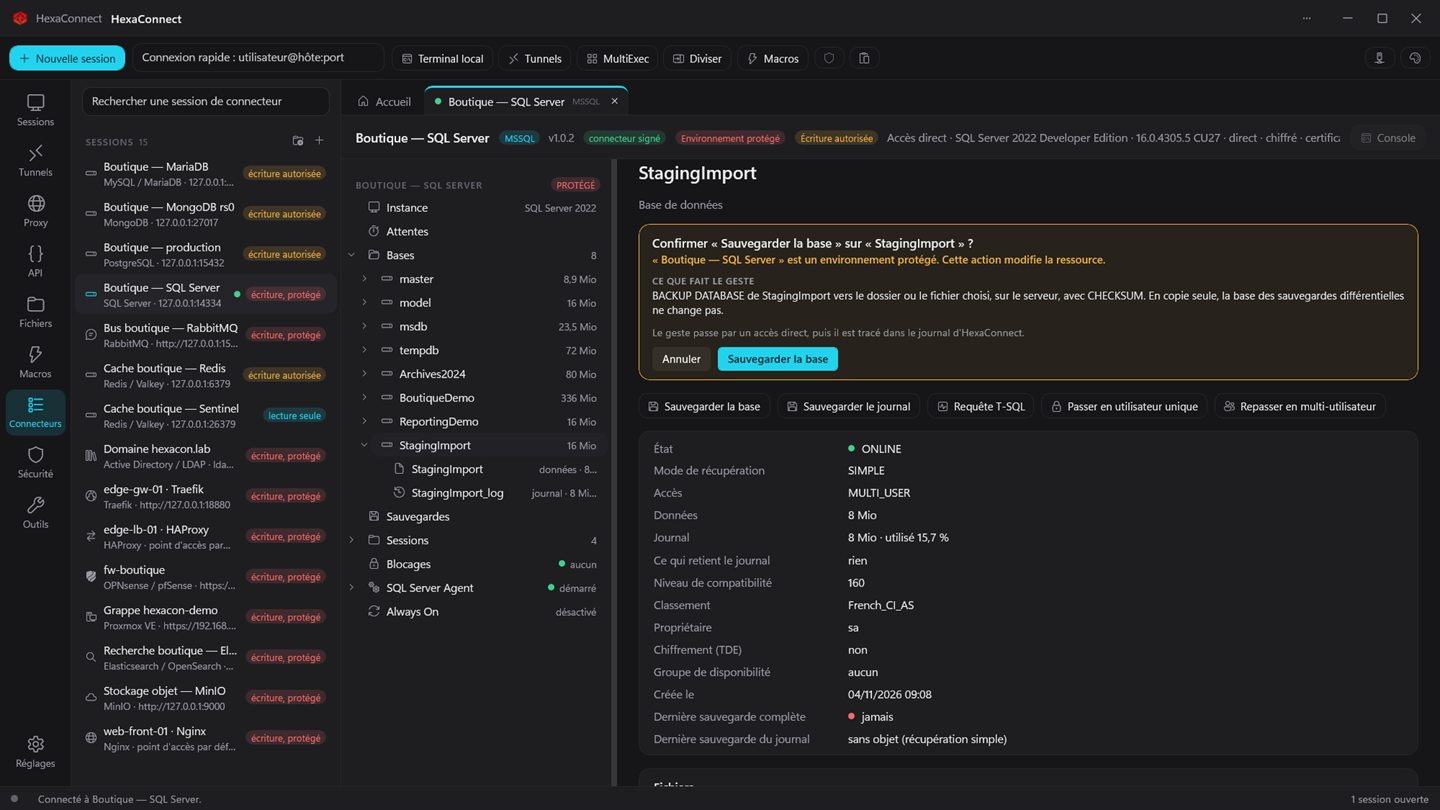
sqlcmd in a tab, over the SSH session; read-only T-SQL query.
SSH session, tunnel or VPN; SQL, Windows (Kerberos) or Entra ID authentication; encryption up to strict TDS 8, pinnable certificate. SQL Server 2016 and later, Managed Instance.
Read with Discovery, actions with Pro or Enterprise.
AvailableMicrosoft.Data.SqlClient (MIT)
SQL Server 2016 and later, Azure SQL Managed Instance.
VIEW SERVER STATE, VIEW ANY DEFINITION and db_datareader in msdb (Agent jobs).
No interactive Entra ID; backups are copy-only by default.
 Available
Health, sessions and locks, replication and table maintenance of a PostgreSQL server.
Full details → Available
Activity, locks, replication and Galera cluster of a MySQL or MariaDB server.
Full details → Available
Replica set, collections, indexes and current operations of a MongoDB.
Full details → Available
Memory, keys, clients and replication of a Redis or Valkey, Sentinel and Cluster included.
Full details →Trademarks mentioned belong to their respective owners; their mention implies neither partnership nor endorsement.