What you see
- Connections, operations, WiredTiger cache
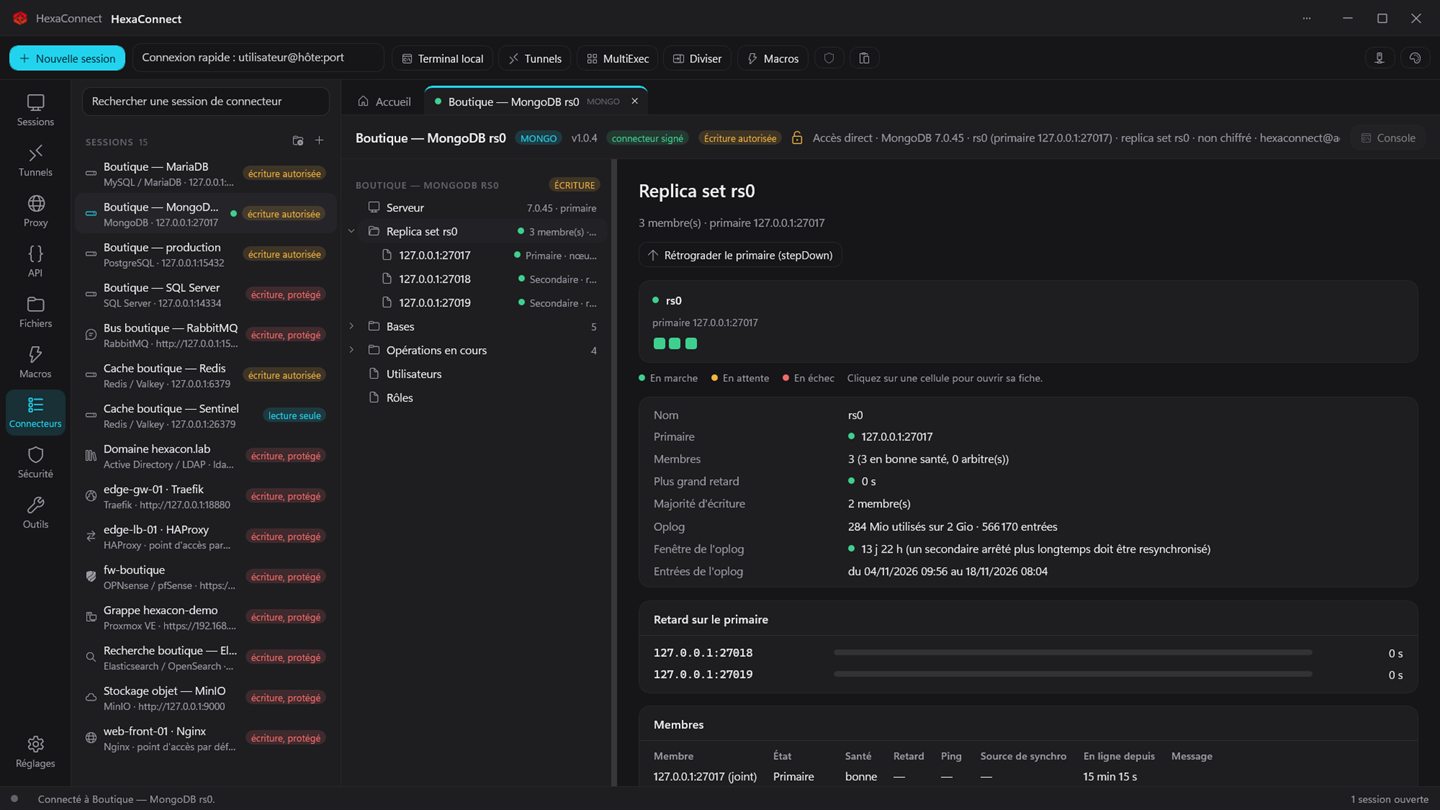
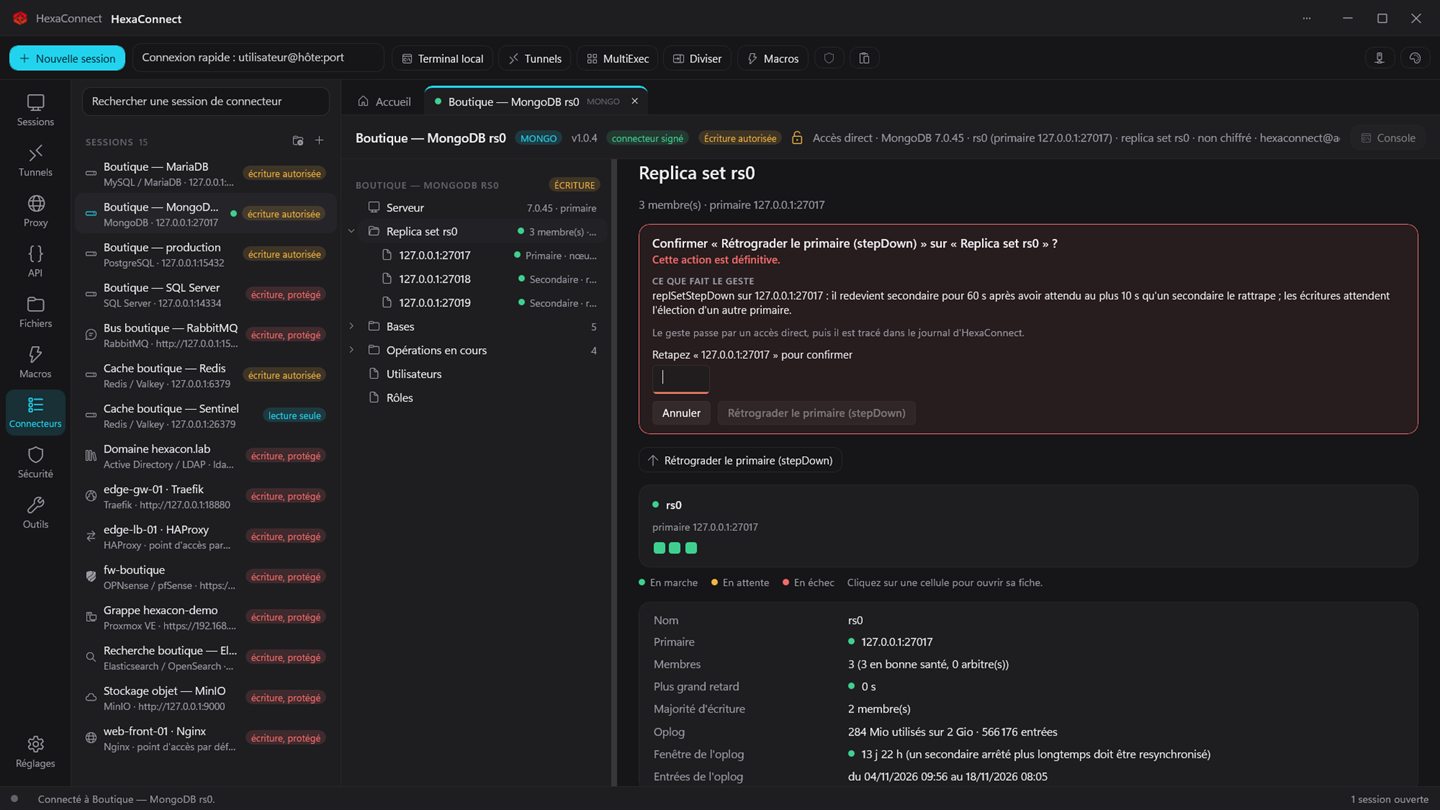
- Members, primary, lag and oplog; shards behind a mongos
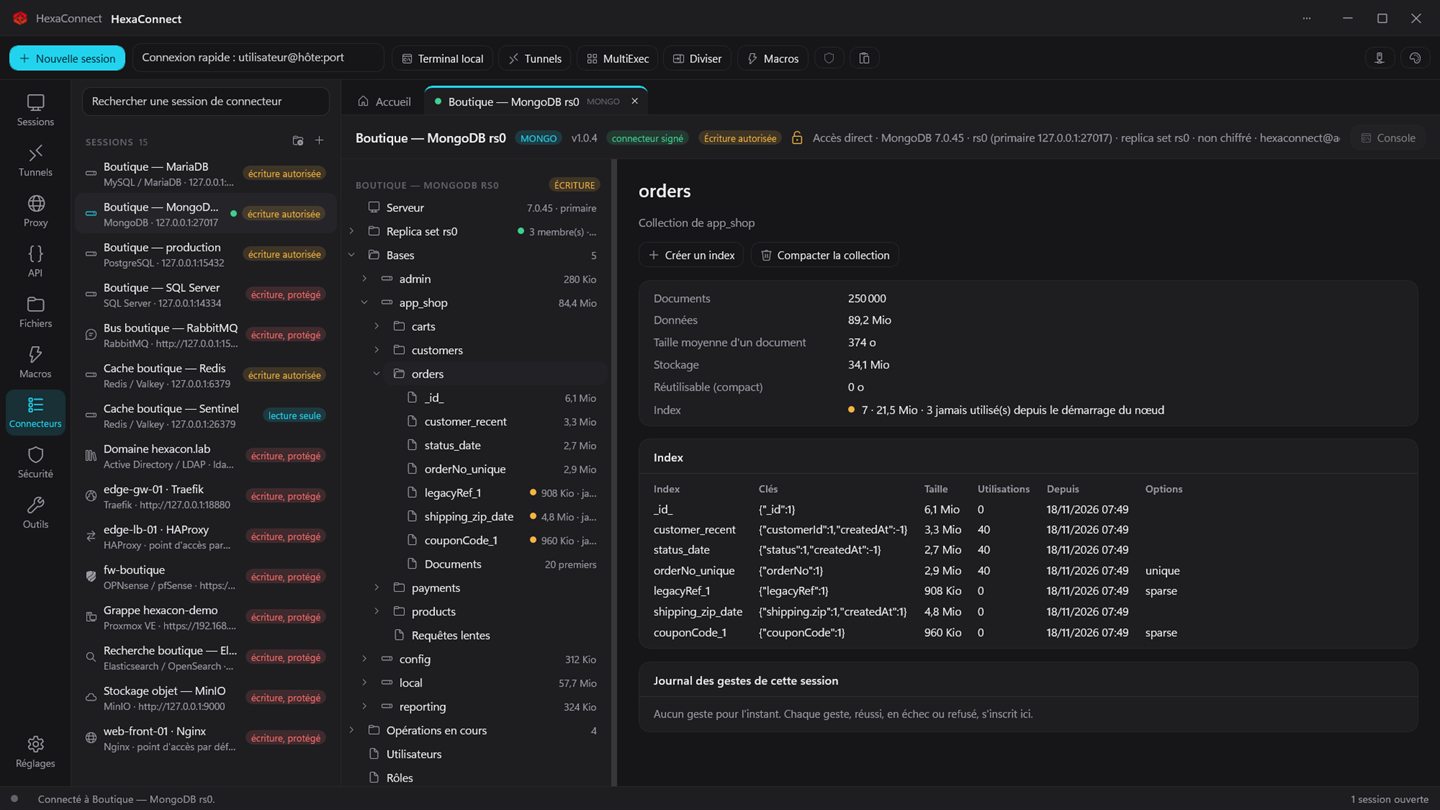
- Databases, collections, indexes (unused ones flagged), first documents
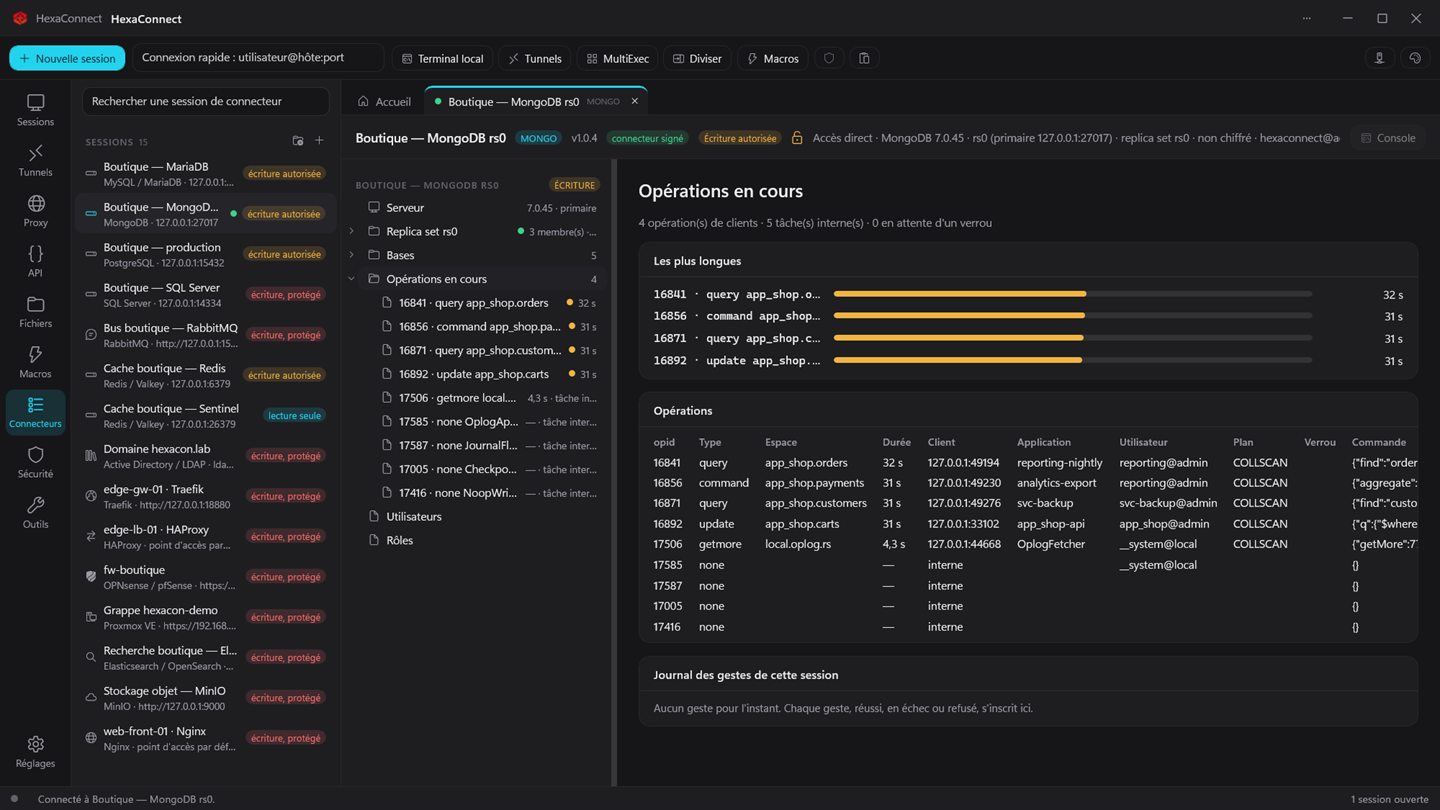
- Current operations and slow queries
- Users and roles
Connector catalog › Databases

Replica set, collections, indexes and current operations of a MongoDB.
Install it from HexaConnect's Connectors view.
mongosh in a tab, over the SSH session.
SSH session, tunnel or VPN, standalone server or replica set; TLS, pinnable certificate; SCRAM or x.509. MongoDB 5.0 and later.
Read with Discovery, actions with Pro or Enterprise.
AvailableMongoDB.Driver (Apache 2.0)
MongoDB 5.0 and later; standalone server, replica set or mongos.
clusterMonitor and readAnyDatabase for reading; index or cluster management privileges for actions.
Every read is capped at 5 s; compacting is only possible on a secondary or a standalone server.
 Available
Health, sessions and locks, replication and table maintenance of a PostgreSQL server.
Full details → Available
Activity, locks, replication and Galera cluster of a MySQL or MariaDB server.
Full details → Available
Instance, databases, backups, Agent jobs and Always On groups of a SQL Server.
Full details → Available
Memory, keys, clients and replication of a Redis or Valkey, Sentinel and Cluster included.
Full details →Trademarks mentioned belong to their respective owners; their mention implies neither partnership nor endorsement.