What you see
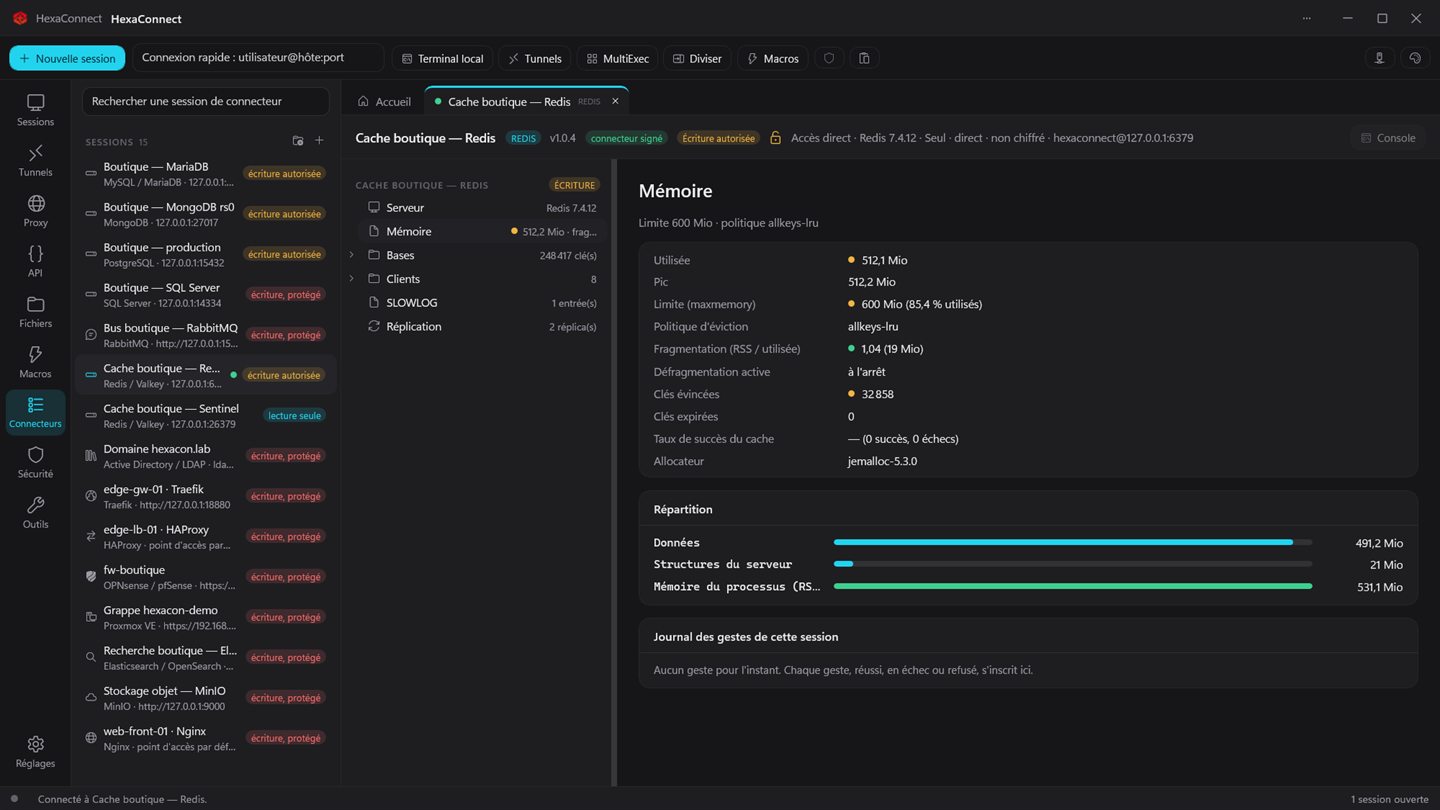
- Memory, fragmentation, eviction, cache hit rate
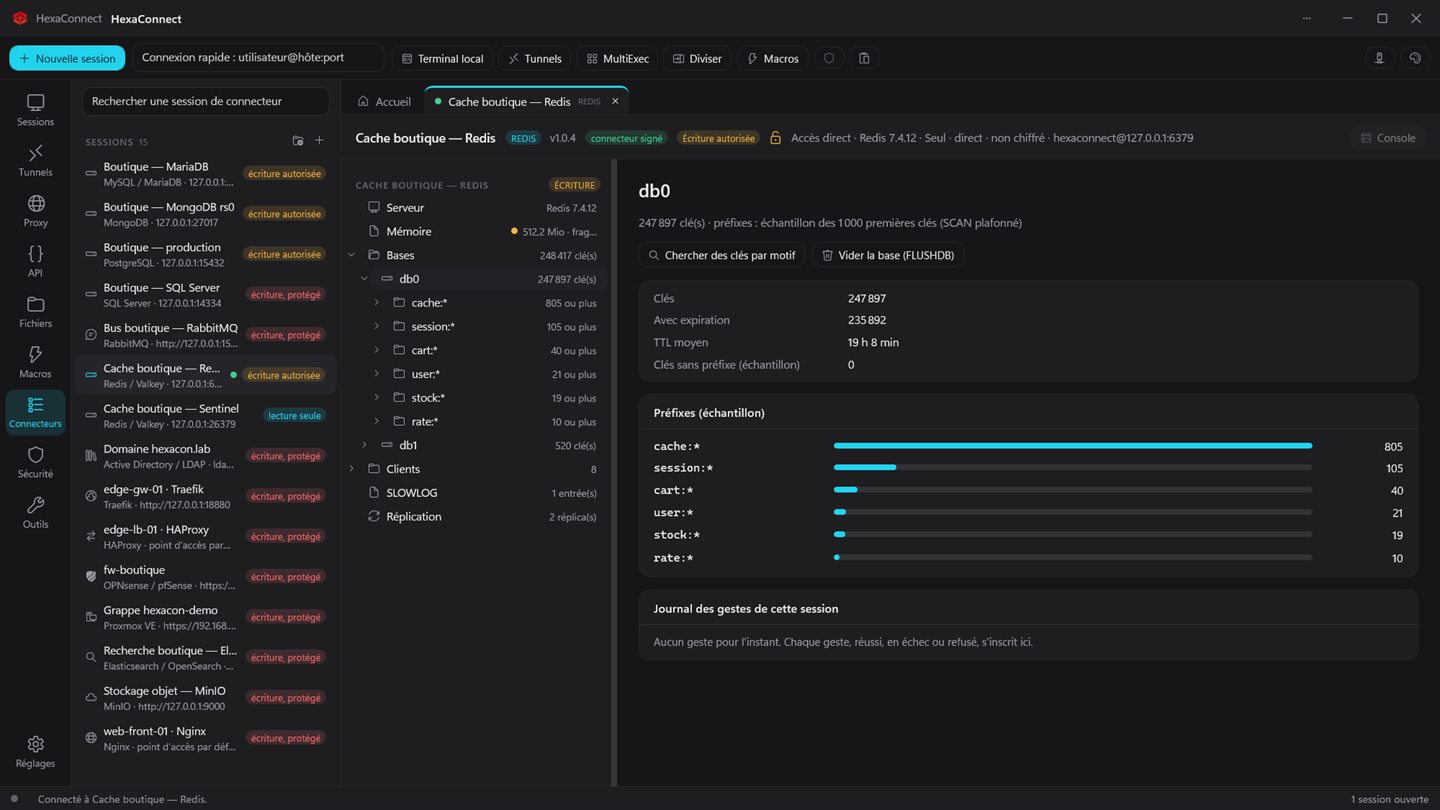
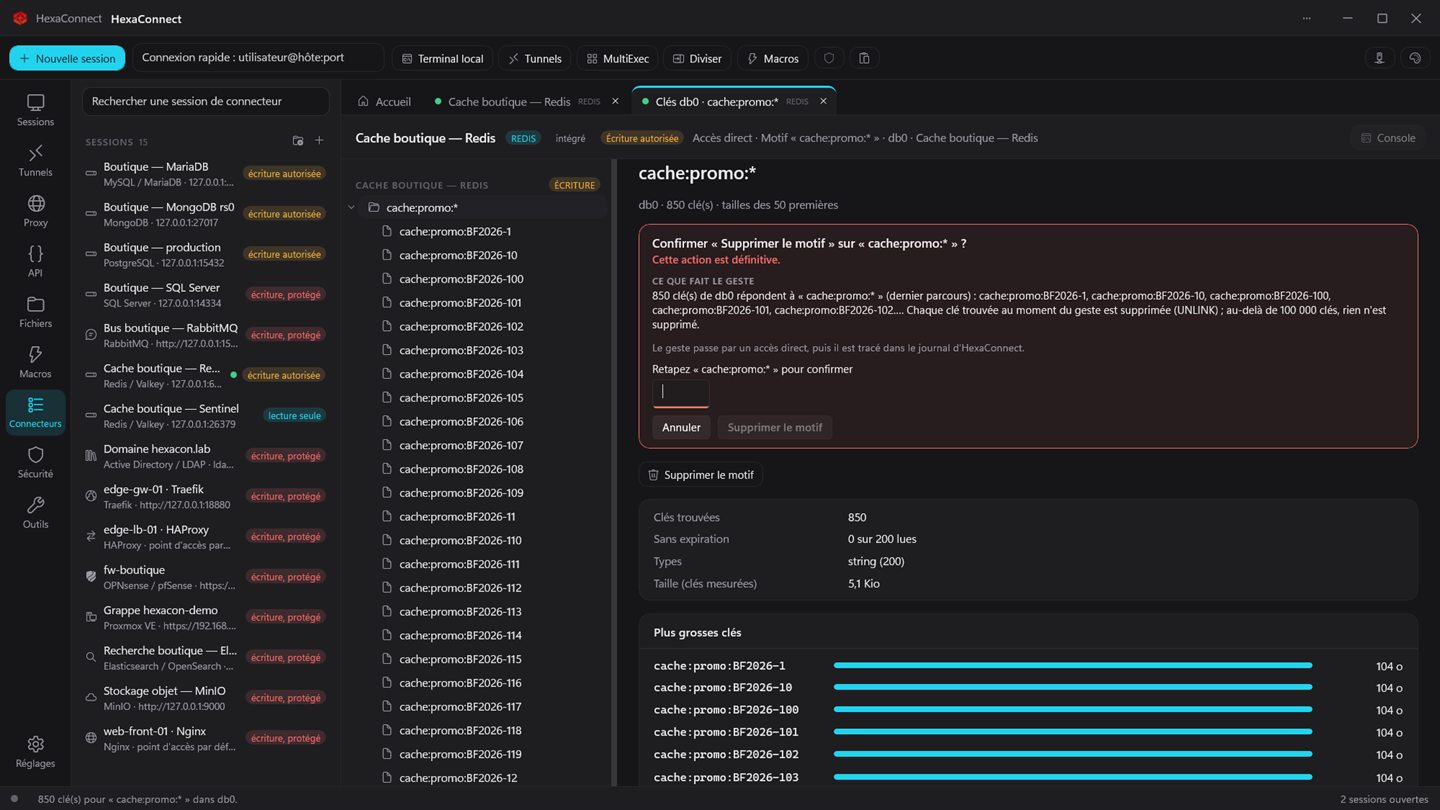
- Keys by prefix or pattern (bounded SCAN, never KEYS) with type, TTL and size
- Clients and SLOWLOG, secret arguments masked
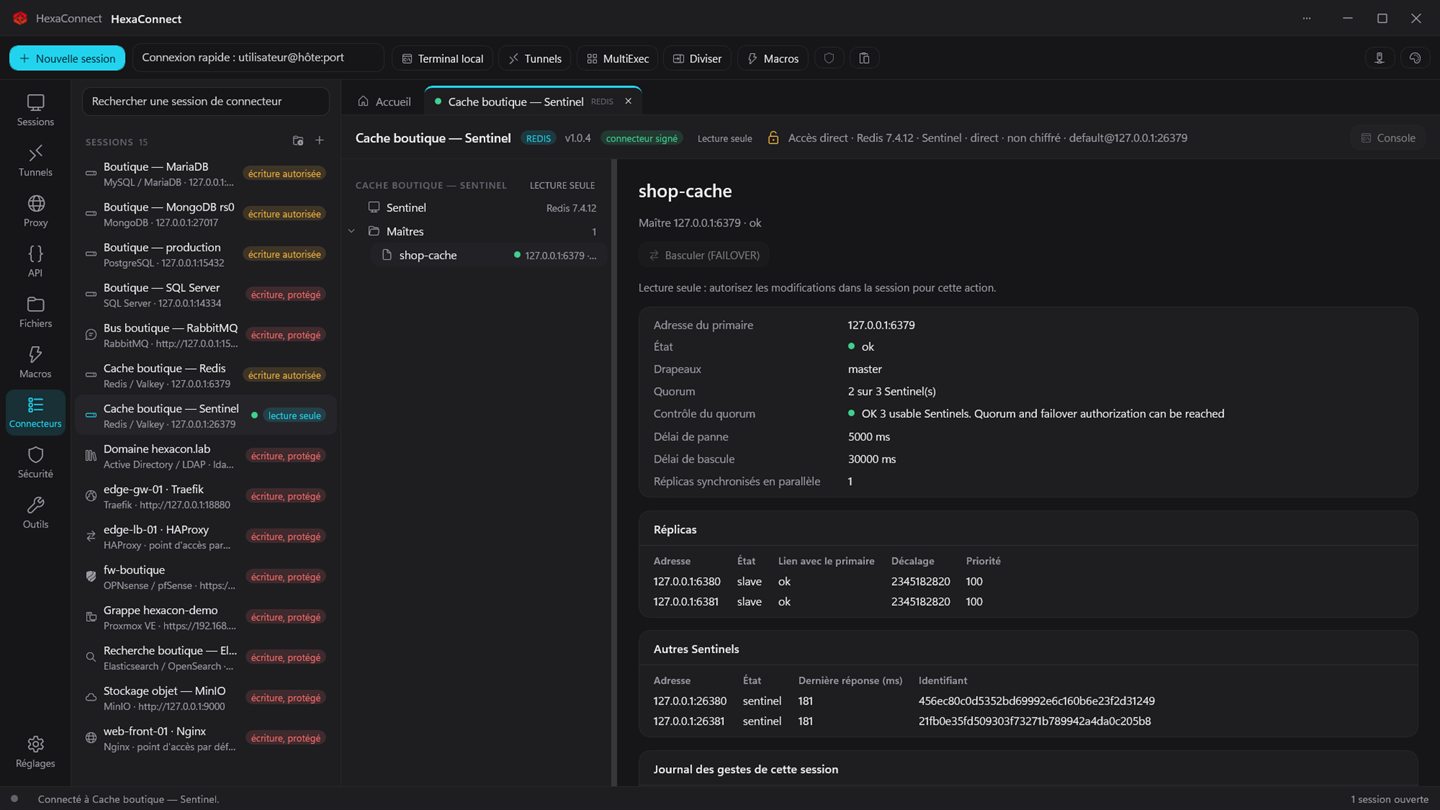
- Replication, Sentinel and Cluster
Connector catalog › Databases

Memory, keys, clients and replication of a Redis or Valkey, Sentinel and Cluster included.
Install it from HexaConnect's Connectors view.
redis-cli or valkey-cli in a tab, over the SSH session; the password is never on the command line.
SSH session, tunnel or VPN; TLS, pinnable certificate; ACL user, password in the vault.
Read with Discovery, actions with Pro or Enterprise.
AvailableStackExchange.Redis (MIT)
Redis 6 and later, Valkey; standalone server, Sentinel or Cluster.
ACL user restricted to read commands (recommended ACL provided).
Never KEYS: SCAN capped at 1,000 keys and 3 s; FLUSHDB forbidden on a protected environment.
 Available
Health, sessions and locks, replication and table maintenance of a PostgreSQL server.
Full details → Available
Activity, locks, replication and Galera cluster of a MySQL or MariaDB server.
Full details → Available
Instance, databases, backups, Agent jobs and Always On groups of a SQL Server.
Full details → Available
Replica set, collections, indexes and current operations of a MongoDB.
Full details →Trademarks mentioned belong to their respective owners; their mention implies neither partnership nor endorsement.