Connector catalog › Messaging and search

Messaging and search

Splunk

Query your Splunk from HexaConnect and send it HexaConnect's own log through the HTTP Event Collector.

Install it from HexaConnect's Connectors view.

Discovery

What you see

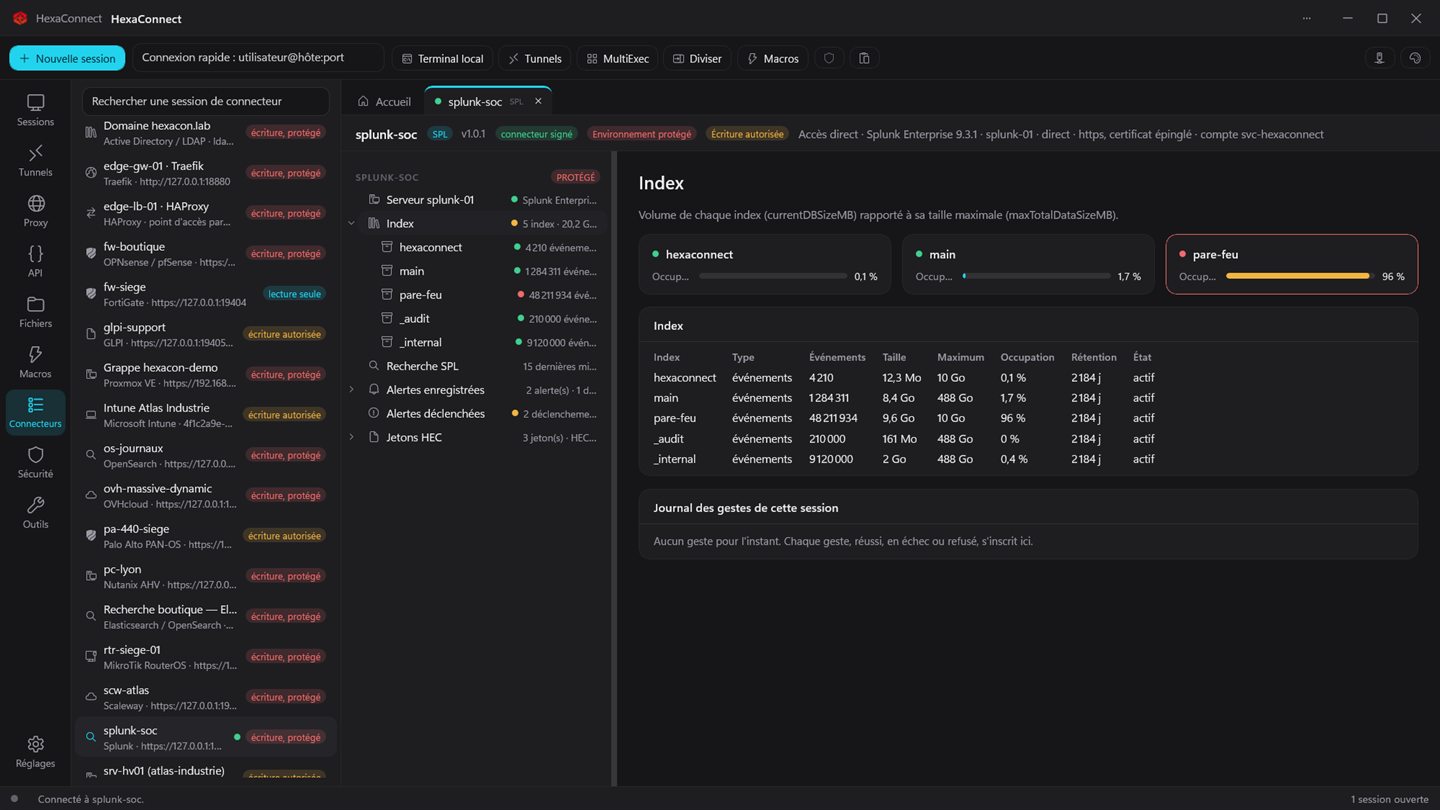
  • Server, license and account; indexes with their volume and usage
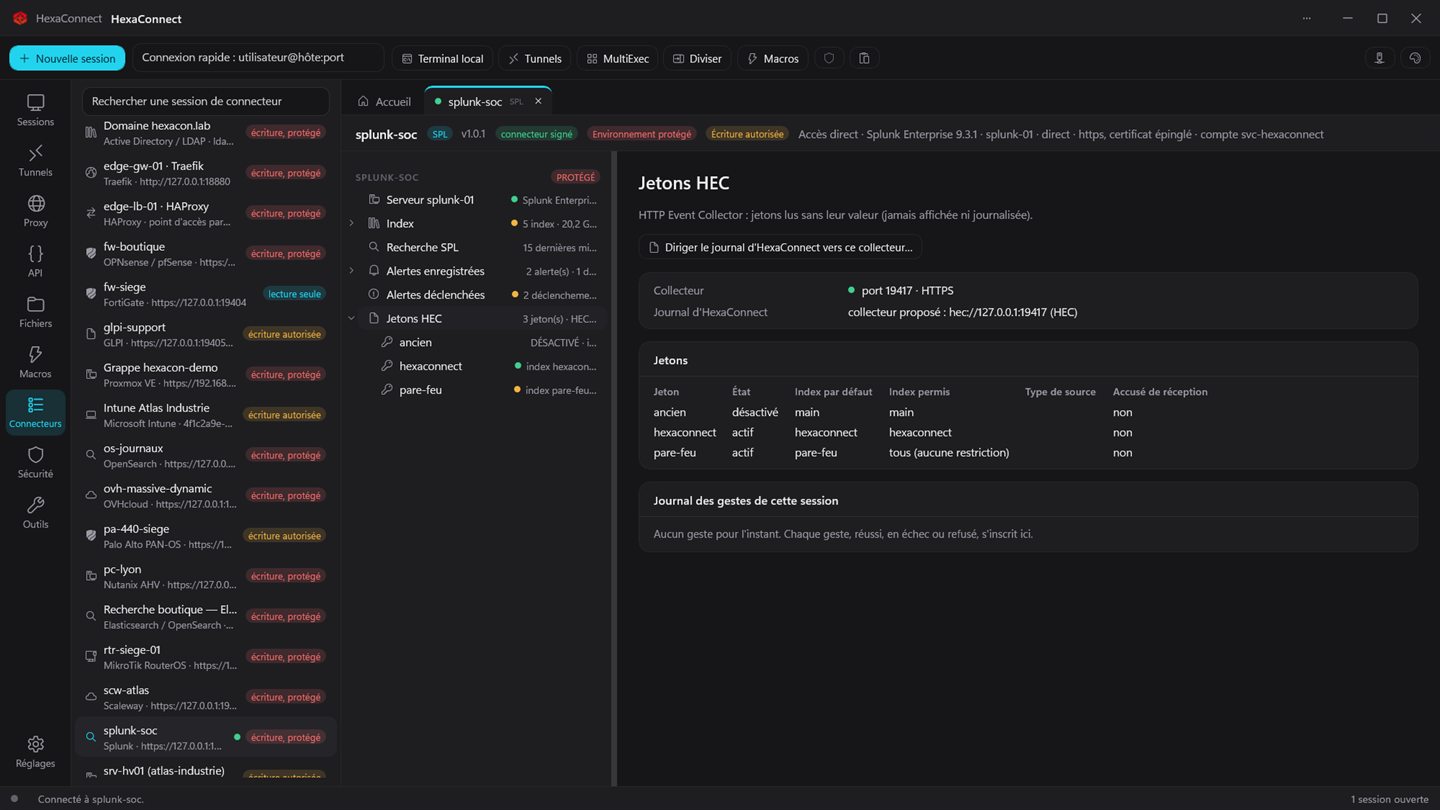
  • Saved and fired alerts; HEC tokens with their indexes, never their value
  • Audit: API or HEC over HTTP, admin account, tokens without index restriction, license in violation, nearly full indexes
Pro

Everyday actions

  • Disable or re-enable an alert or an HEC token (name to retype to disable)
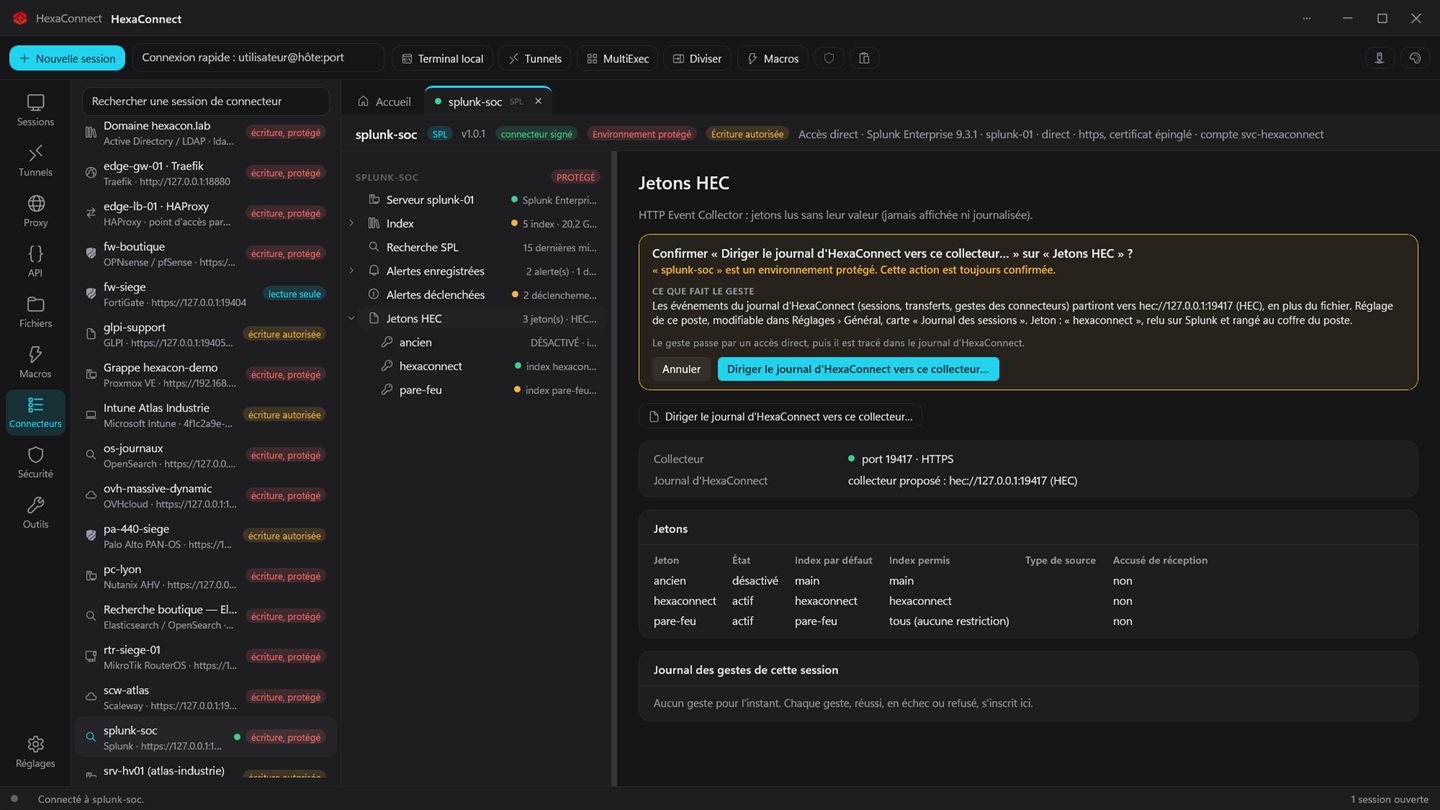
  • HexaConnect's log sent to this Splunk's HEC in one action, token in the vault

Console

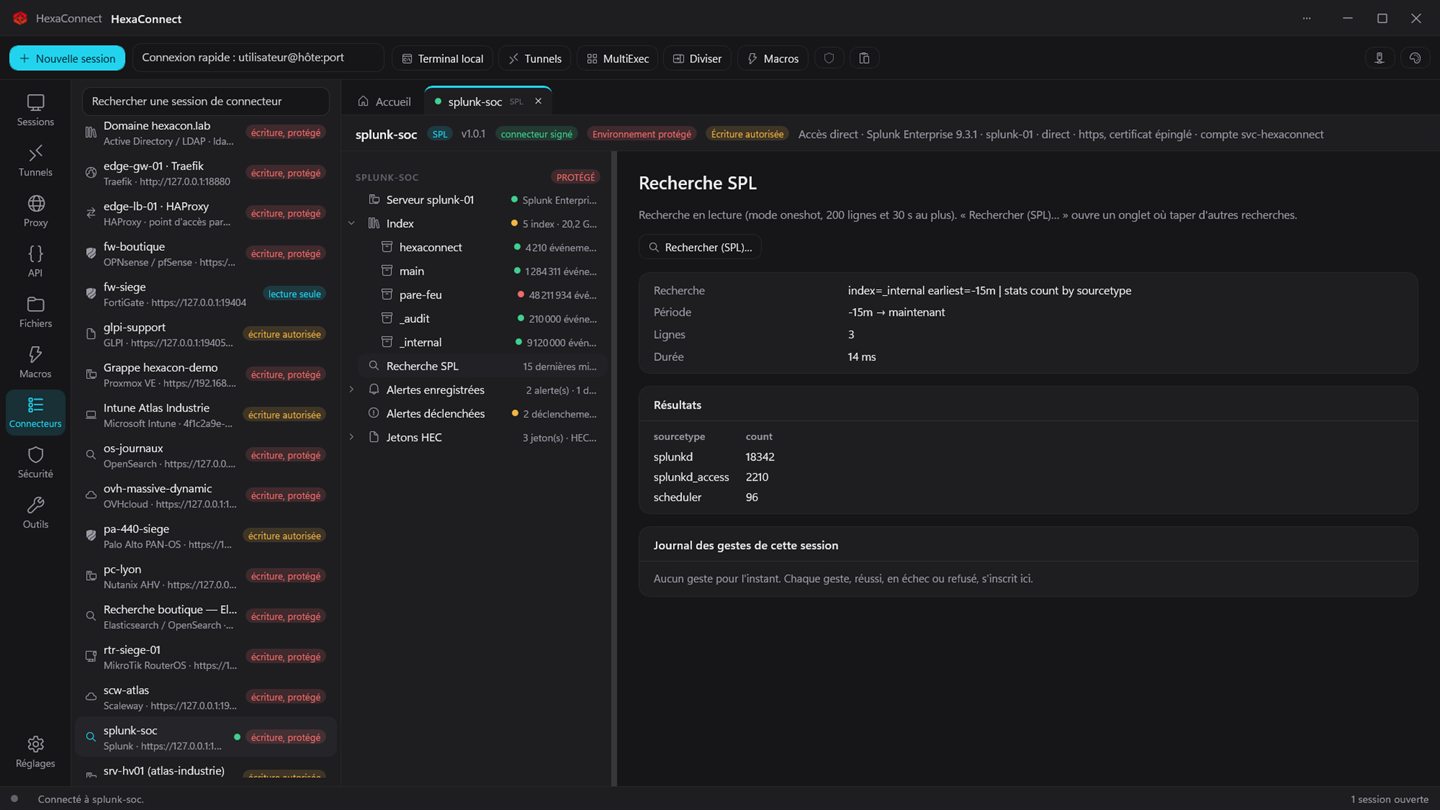
SPL search in a table; commands that write are refused before sending.

Plan

Read with Discovery, actions with Pro or Enterprise.

Available

Driver and license

No third-party driver: Massive Dynamic code.

Documentation

Recommended account

A service account (never admin) with a role inherited from user, plus list_inputs, edit_token_http and list_settings, and write access to the alerts concerned; an authentication token for this account. For HexaConnect's log, a dedicated HEC token limited to its index. Splunk Enterprise 9 and 10.

Connector documentation →

Trademarks mentioned belong to their respective owners; their mention implies neither partnership nor endorsement.