What you see
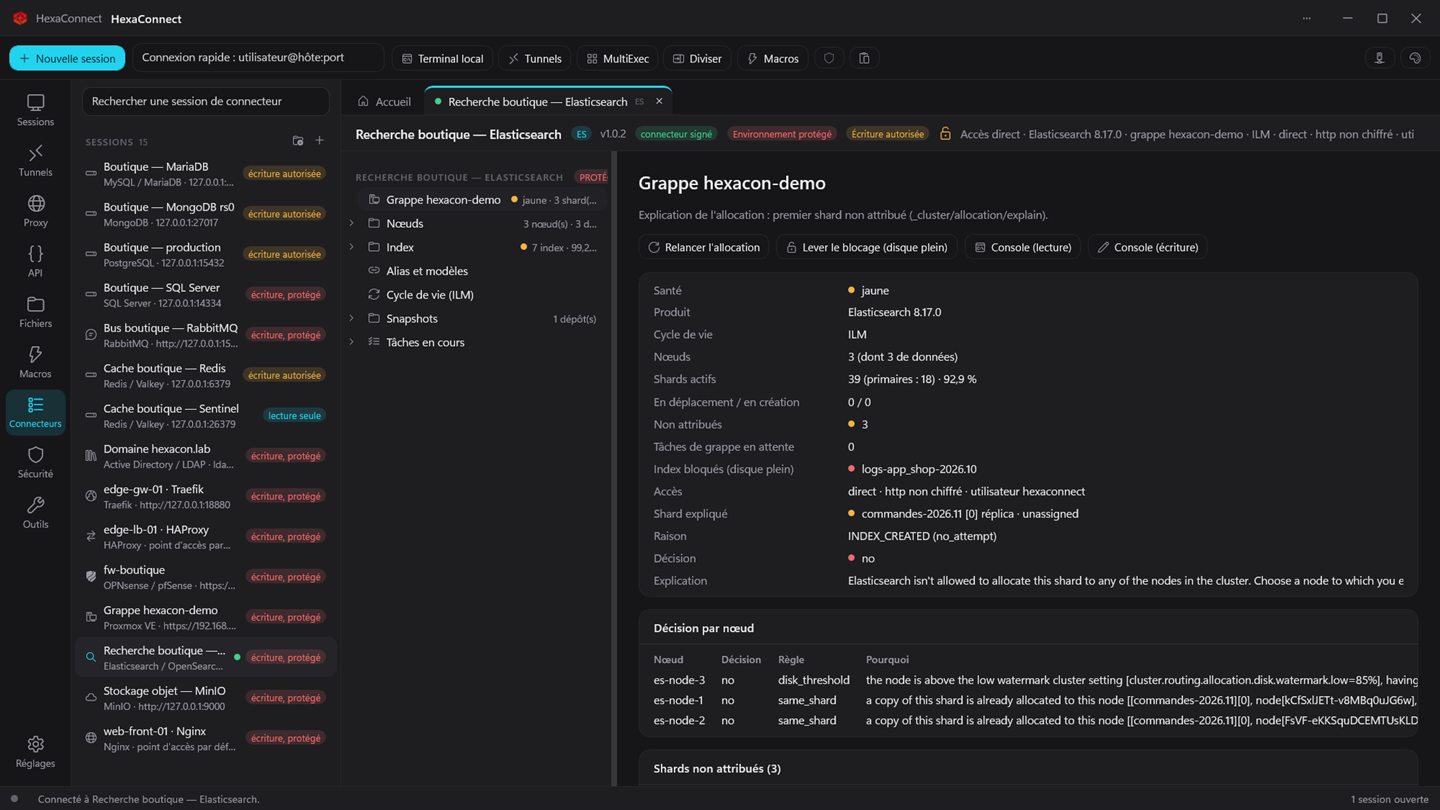
- Health and explanation of unassigned shards
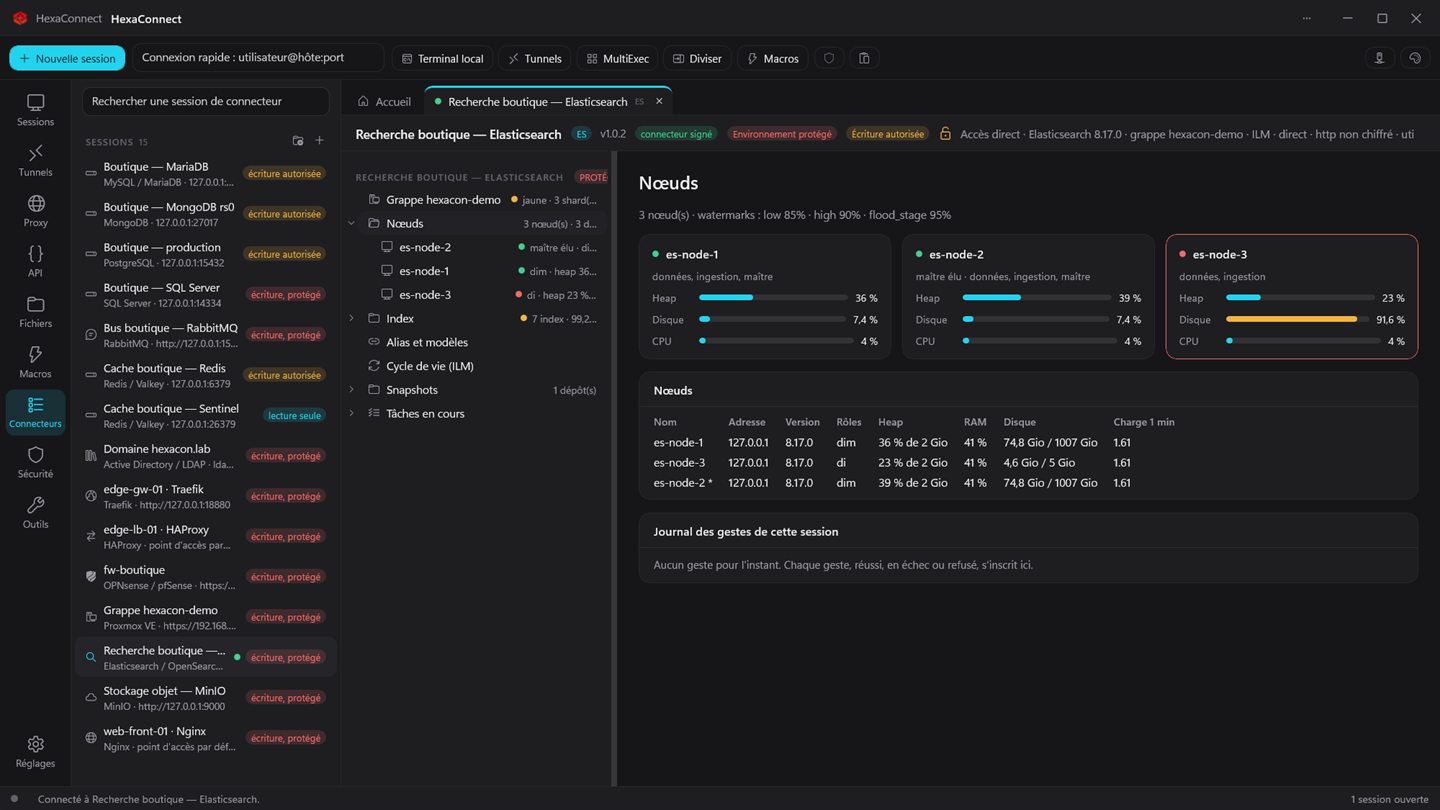
- Nodes: roles, heap, disk against the watermarks
- Indexes, aliases, templates, lifecycle (ILM or ISM)
- Snapshots and running tasks
- Security audit
Connector catalog › Messaging and search

Cluster health, shards, indexes and snapshots of Elasticsearch or OpenSearch.
Install it from HexaConnect's Connectors view.
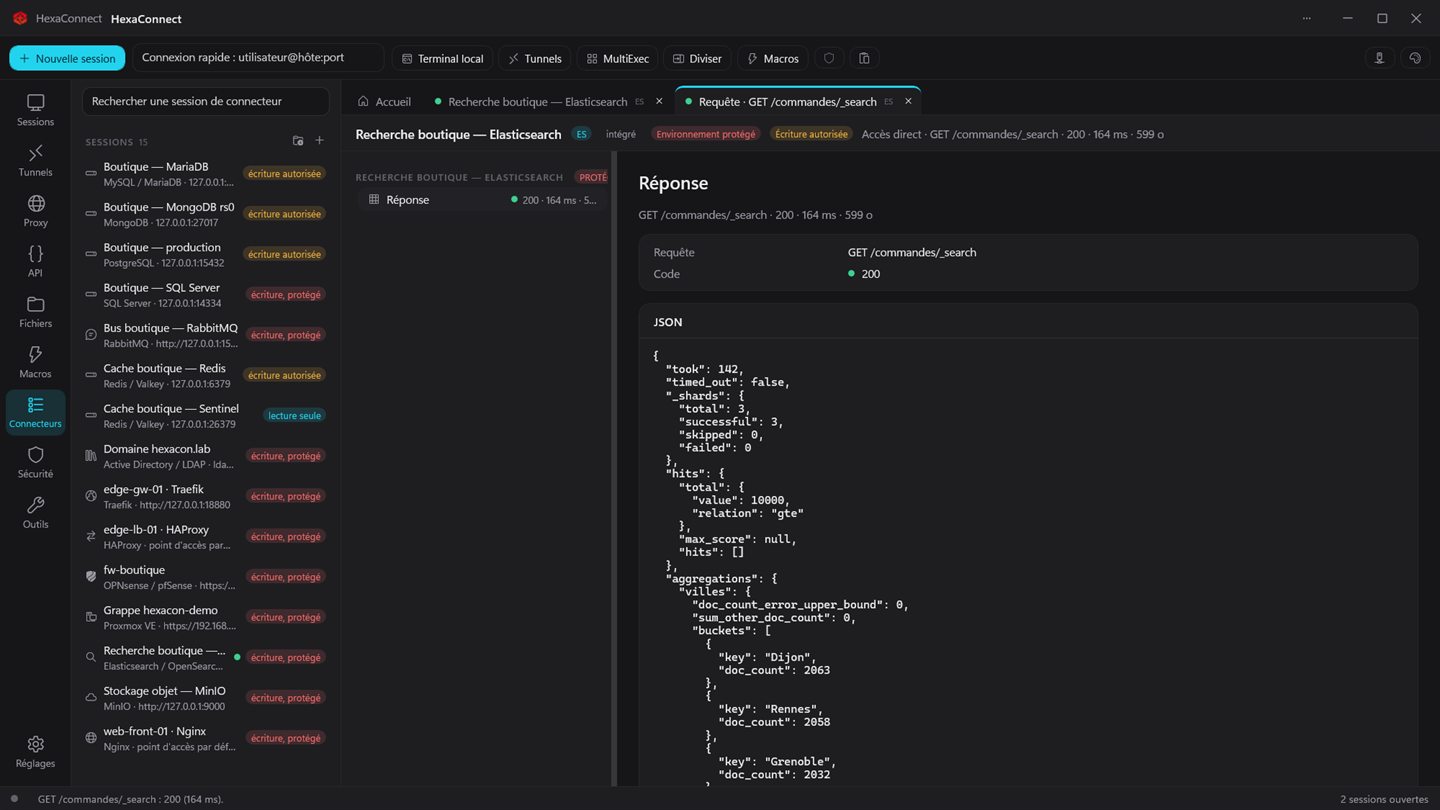
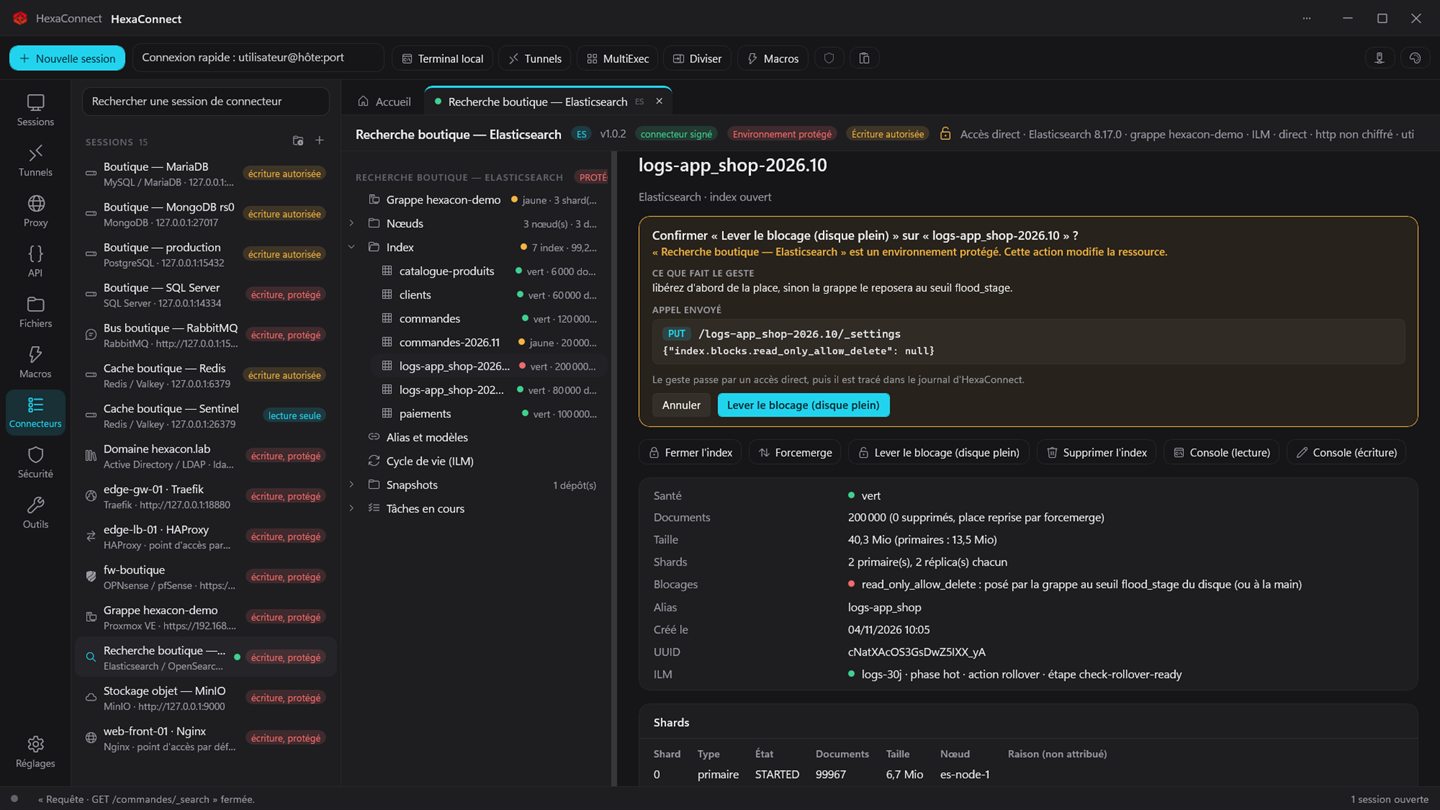
Dev Tools-style queries: reads allowed in read-only mode, writes as an action.
REST API through a tunnel, VPN or SSH session; API key or user, secret in the vault; pinnable certificate. Elasticsearch 7.10 and later, OpenSearch 1 and later.
Read with Discovery, actions with Pro or Enterprise.
AvailableNo third-party driver: Massive Dynamic code.
Elasticsearch 7.10 and later, OpenSearch 1 and later.
monitor privilege (read); manage and manage_ilm (or ISM) for actions.
Never a wildcard or a system index in deletions.
 Available
Nodes, queues, exchanges and connections of a RabbitMQ, through the management API.
Full details → Available
OpenSearch cluster, indices, ISM policies and Security plugin, with a simple search.
Full details → Available
Browse and operate your Graylog platform, and send HexaConnect's log to it.
Full details → Available
Query your Splunk from HexaConnect and send it HexaConnect's own log through the HTTP Event Collector.
Full details →Trademarks mentioned belong to their respective owners; their mention implies neither partnership nor endorsement.