What you see
- Nodes and alarms
- Queues to watch: stopped, nearly full, without consumers, dead letters
- Vhosts, queues, exchanges and bindings
- Connections, channels, users, permissions, policies
- Security audit
Connector catalog › Messaging and search

Nodes, queues, exchanges and connections of a RabbitMQ, through the management API.
Install it from HexaConnect's Connectors view.
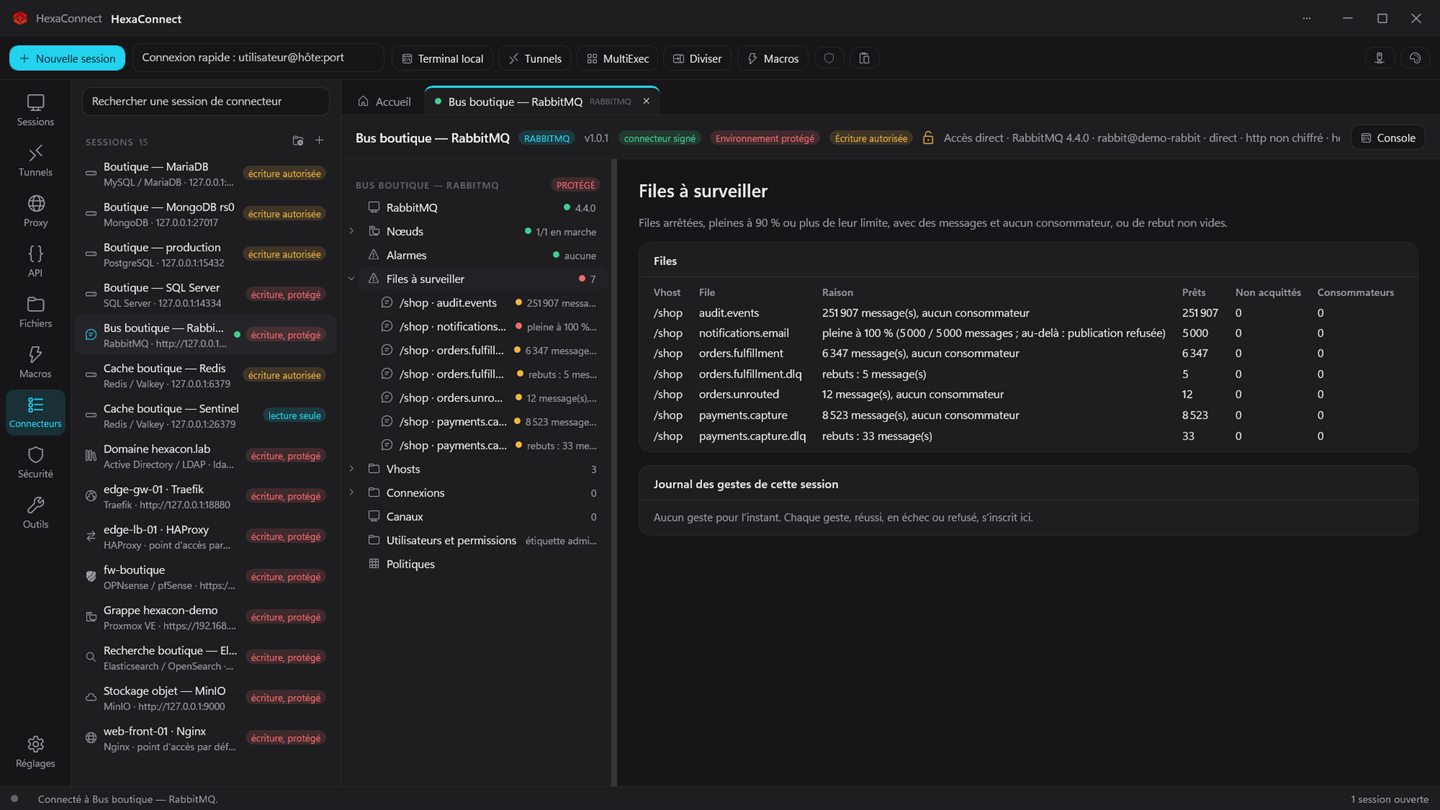
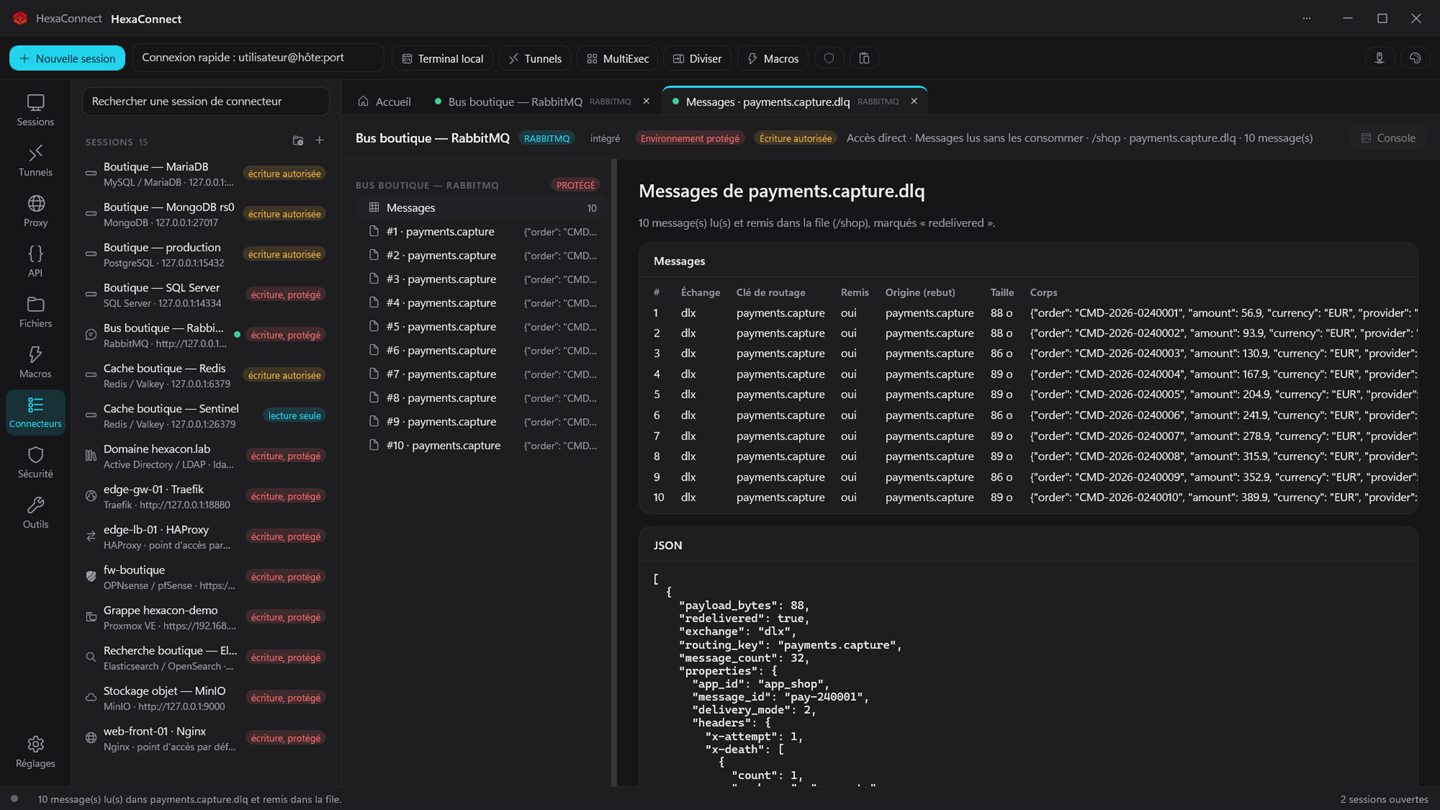
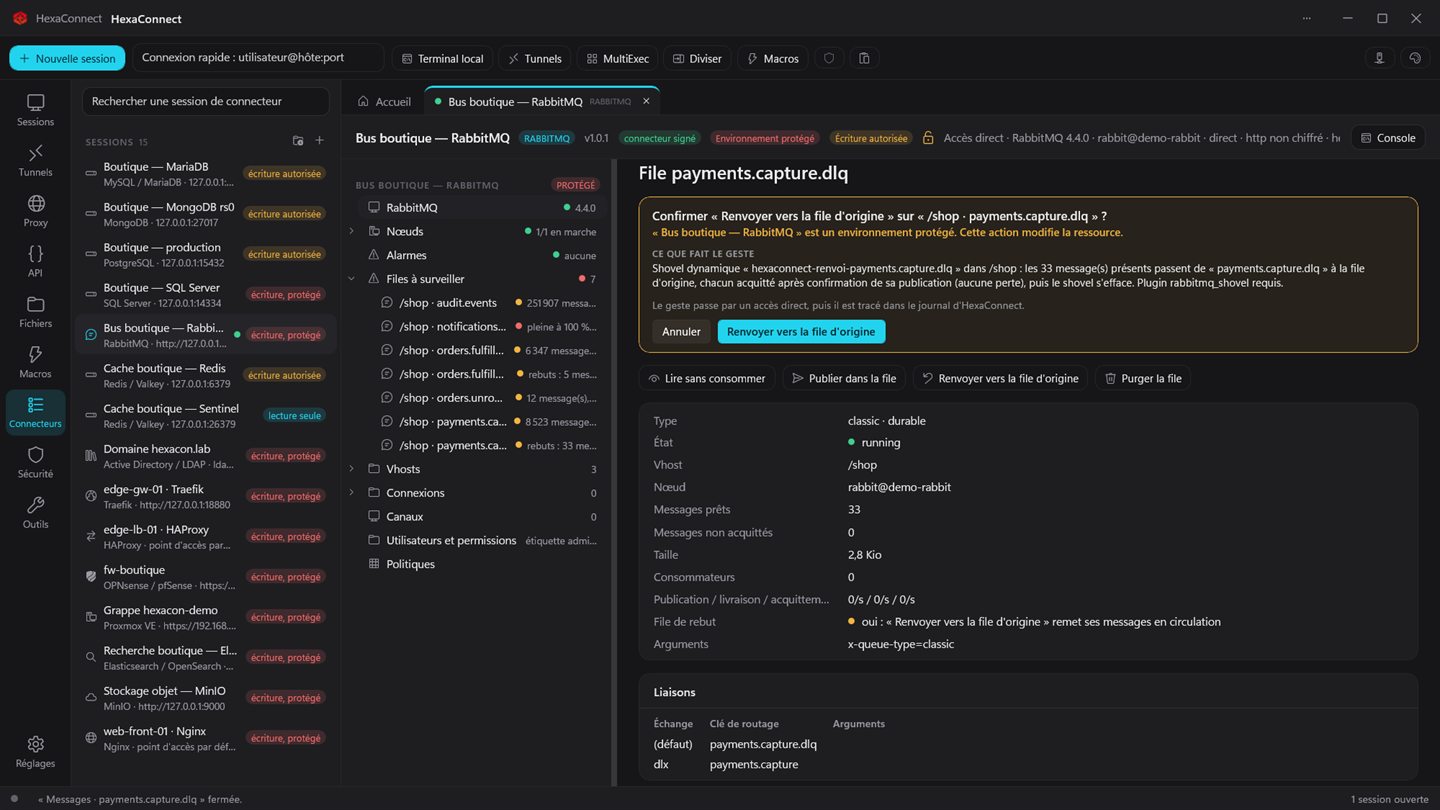
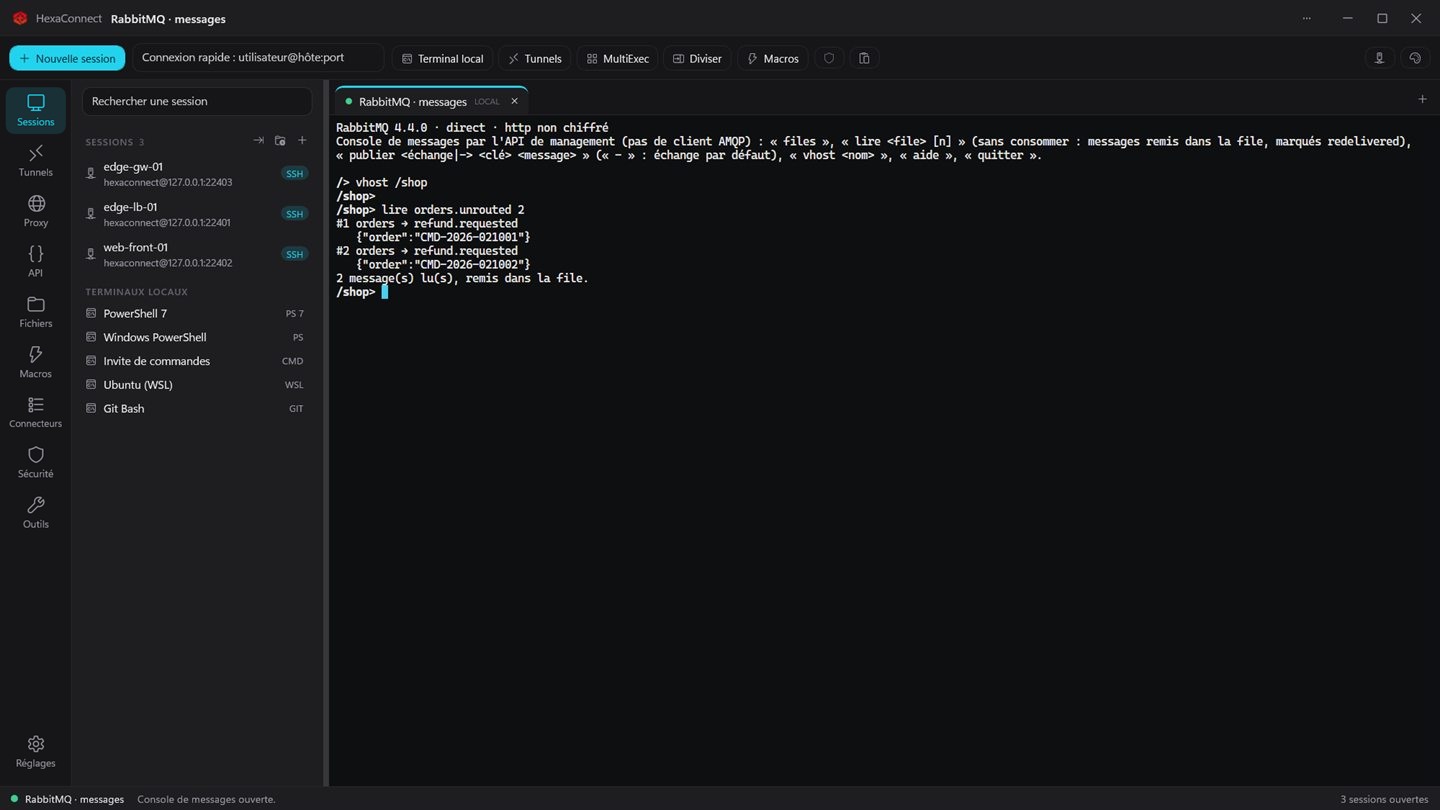
Message console in a tab, through the API.
Management API through a tunnel, VPN or SSH session; password in the vault; pinnable certificate. RabbitMQ 4.
Read with Discovery, actions with Pro or Enterprise.
AvailableNo third-party driver: Massive Dynamic code.
RabbitMQ 3.12 and later (tested on 4.4), management plugin.
monitoring tag for reading; administrator to see users and perform actions.
No AMQP client: everything goes through the management API.
 Available
Cluster health, shards, indexes and snapshots of Elasticsearch or OpenSearch.
Full details → Available
OpenSearch cluster, indices, ISM policies and Security plugin, with a simple search.
Full details → Available
Browse and operate your Graylog platform, and send HexaConnect's log to it.
Full details → Available
Query your Splunk from HexaConnect and send it HexaConnect's own log through the HTTP Event Collector.
Full details →Trademarks mentioned belong to their respective owners; their mention implies neither partnership nor endorsement.