Connector catalog › HexaConnect essentials

Directories

Keycloak

Realms, clients, users, groups and roles of a Keycloak server, with its security settings.

Installable connector, signed by Massive Dynamic

In pictures

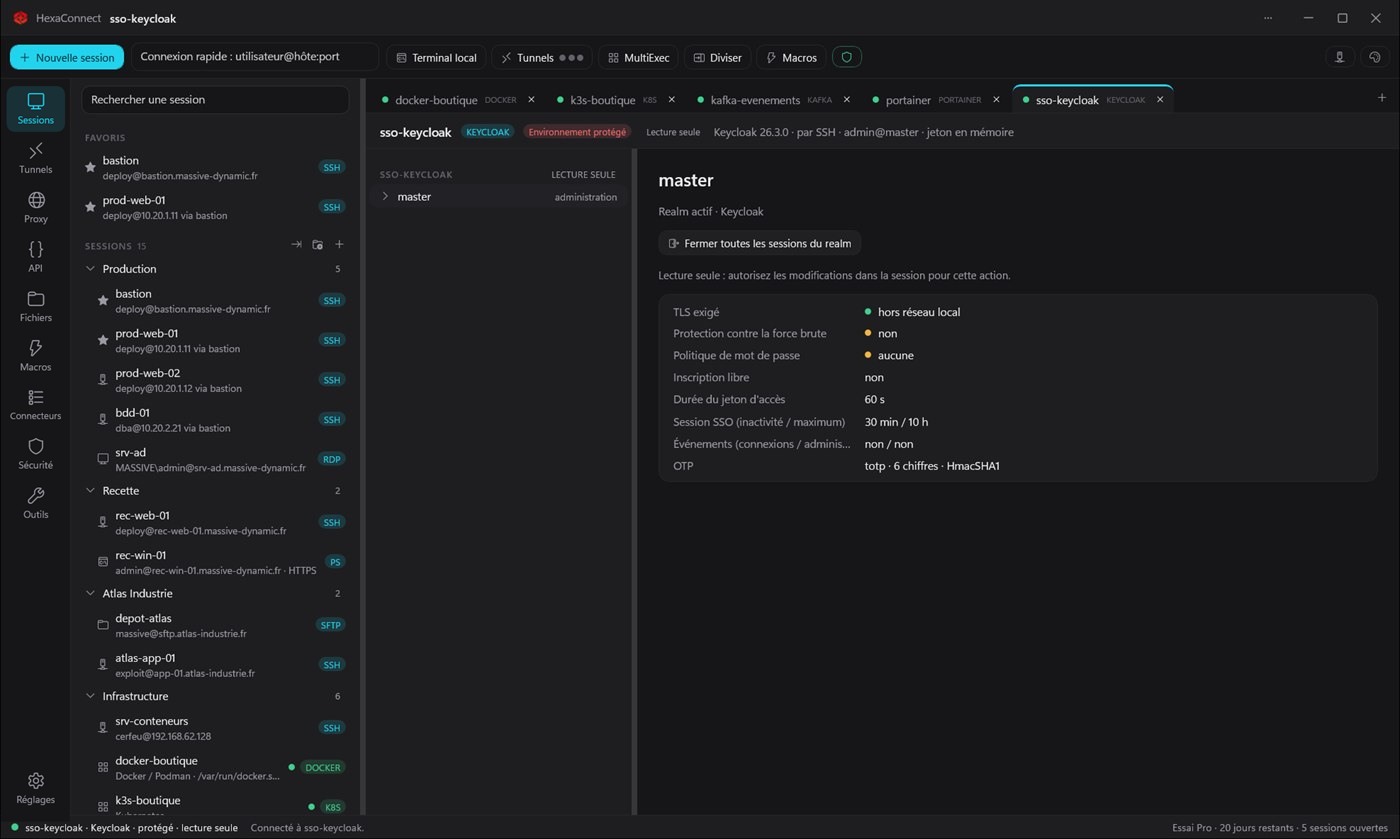
Keycloak : Security settings of the master realm
Security settings of the master realm Screenshot of HexaConnect against demo servers.
Discovery

What you see

  • Realms: clients, users, groups and subgroups, realm roles, identity providers
  • Realm security settings, a client's flows and redirect URIs
  • A user's credentials, groups, roles and sessions; group members, role holders
  • Never a client secret; provider configuration without its secrets
Pro

Everyday actions

  • Disable or re-enable a user or a client
  • Sign out a user's sessions
  • Send the reset email
  • Sign out all sessions of a realm, name to retype

Each action requires allowing changes on the session, is confirmed and goes to the log (and to the SIEM if one is configured).

Access

As a user (password, optional one-time code) or as a confidential client; token in memory only, refreshed; certificate pinnable by fingerprint; access through an SSH session possible.

Plan

Read access with Discovery, actions with Pro or Enterprise. An Enterprise policy can enforce read-only.

Distribution

Signed package, installed from the app (assistant, Settings or catalog) and updated through the catalog. A computer that used it received it with the HexaConnect update, sessions unchanged.

Documentation

Good to know

The password is not kept after signing in, unless it is stored in the Windows vault. No change to a realm's configuration. Keycloak is also audited read-only by the Security tab.

Connector documentation →

Trademarks mentioned belong to their respective owners; their mention implies neither partnership nor endorsement.