Connector catalog › Directories

Directories

Microsoft Intune

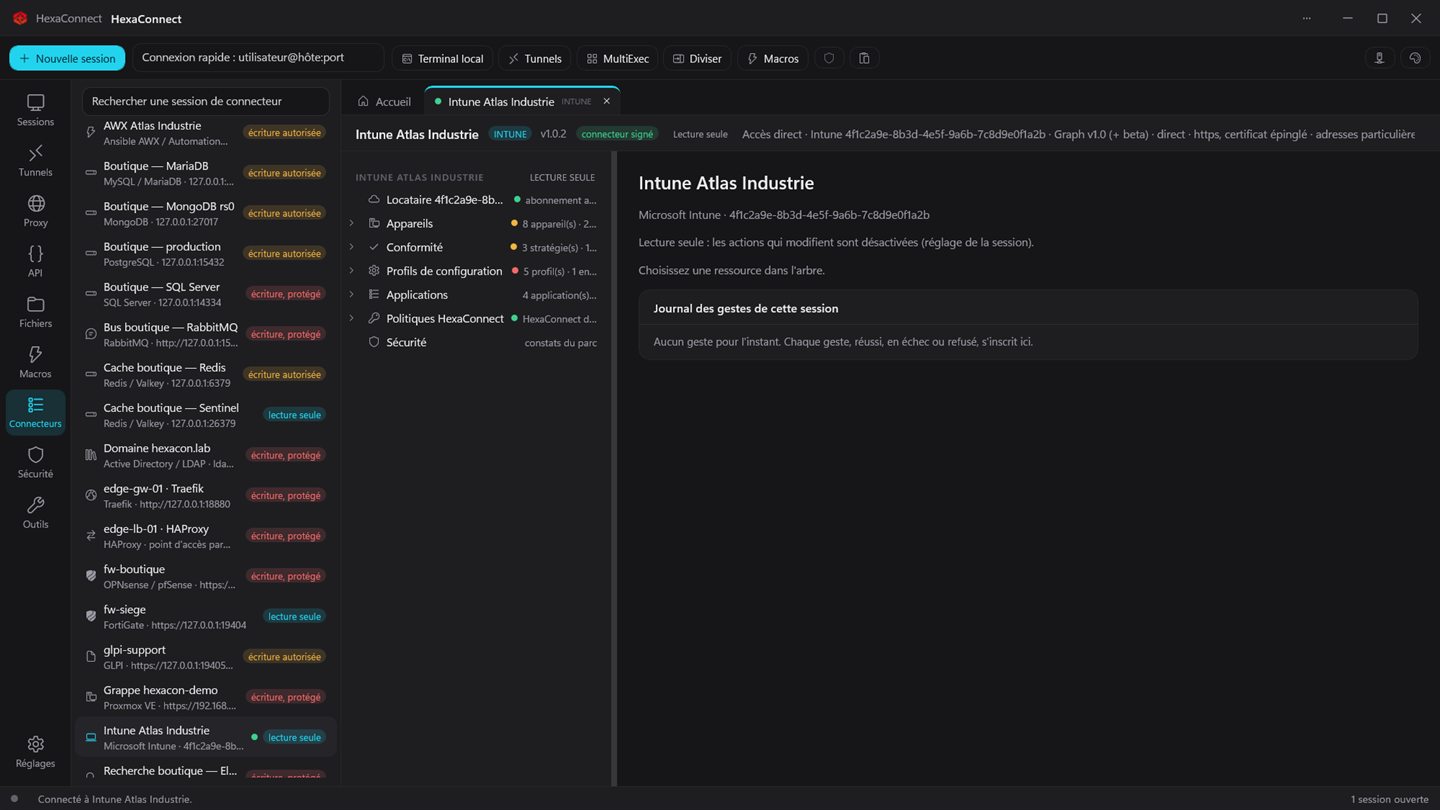
Your Intune estate and HexaConnect's rollout at a glance: devices, compliance, profiles, apps and enterprise policies.

Install it from HexaConnect's Connectors view.

Discovery

What you see

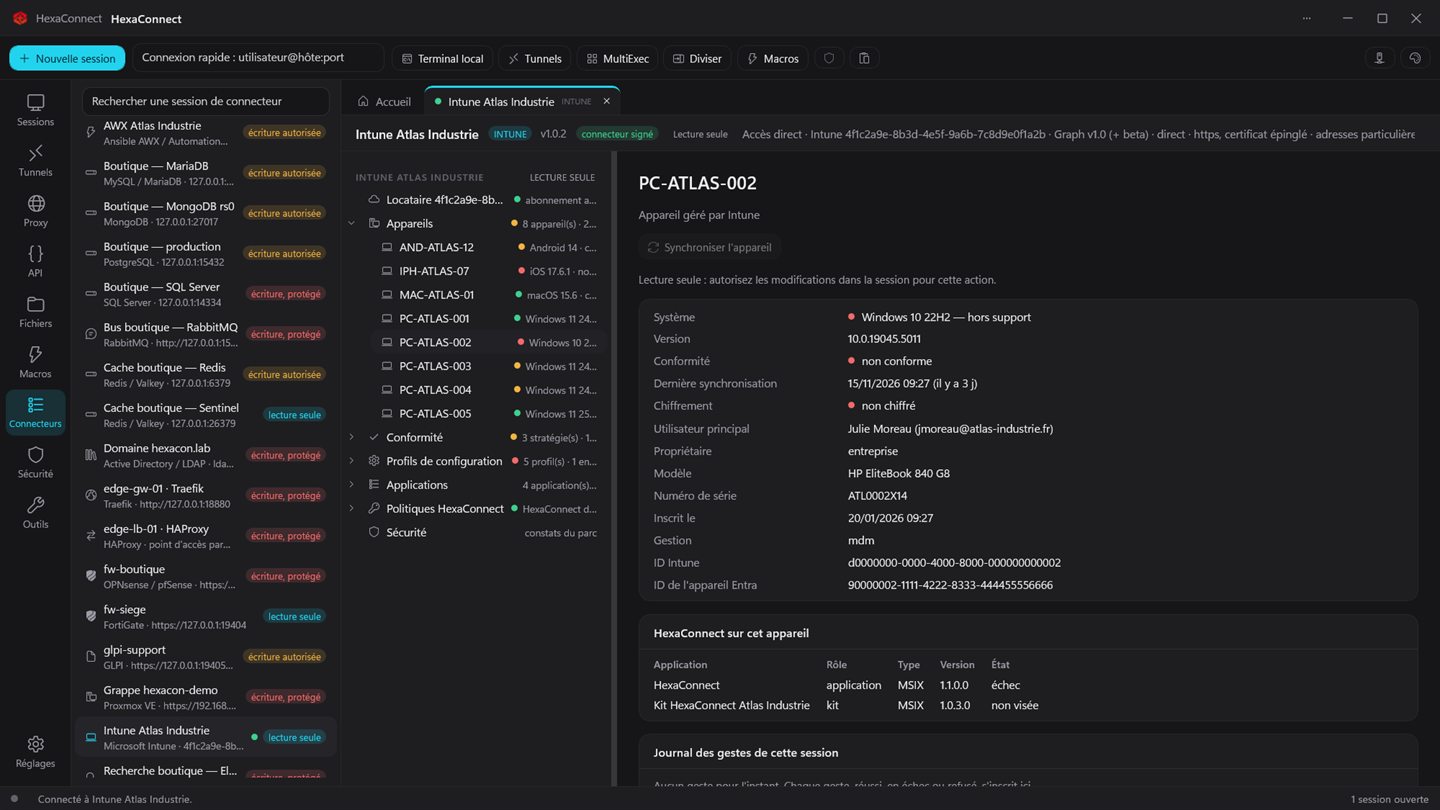
  • Devices, compliance, BitLocker encryption and last sync, with the assigned compliance policies and configuration profiles
  • "HexaConnect policies" view: HexaConnect and the company kit device by device, and the values enforced by Intune
  • Ready-to-import OMA-URI profile template to push HexaConnect policies (preview: nothing is created)
  • Findings: unsupported OS, devices without BitLocker, non-compliance, failing profiles, conflicting HexaConnect values, needless permissions
Pro

Everyday actions

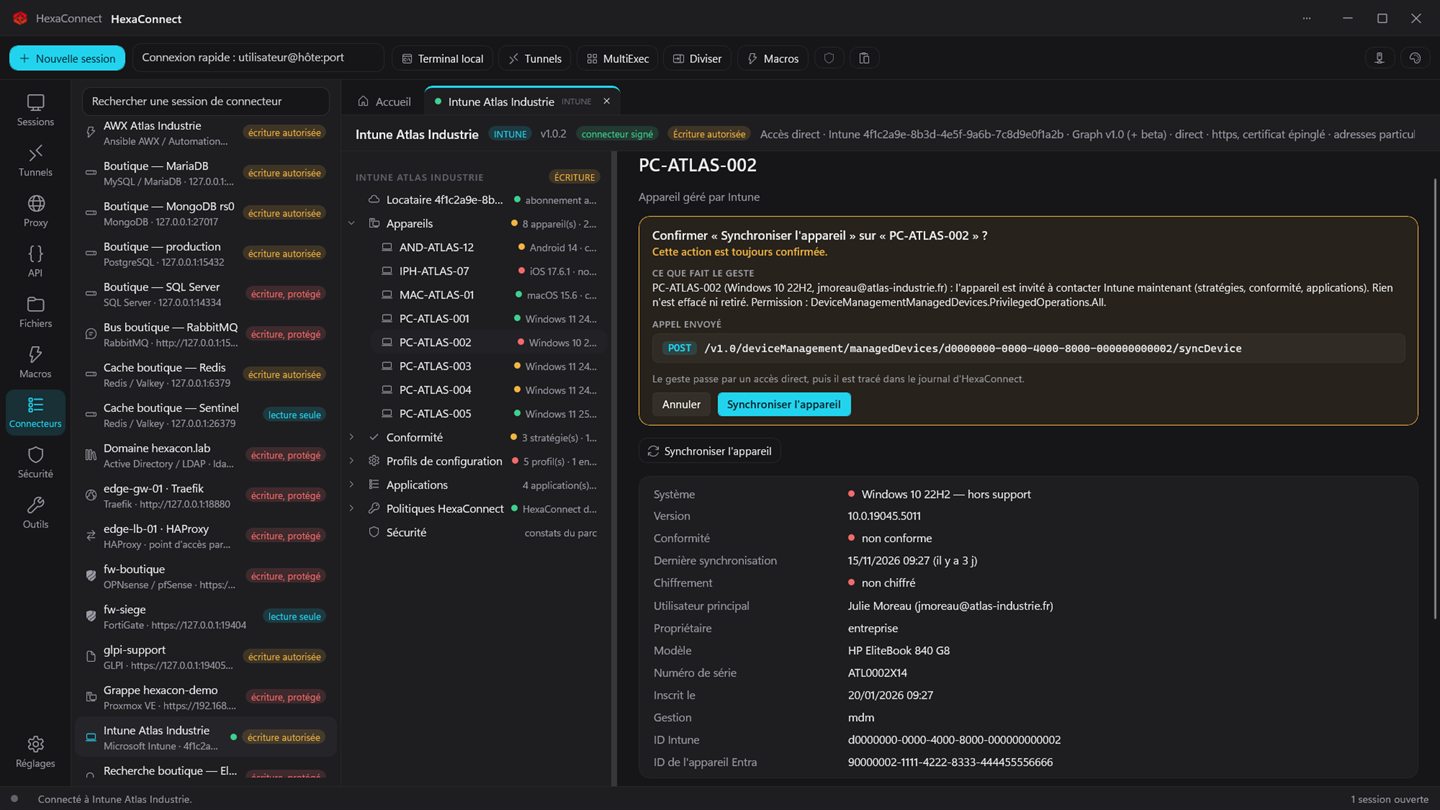
  • Read-only by default; a single action, sync a device, always confirmed and written to the audit log

Access

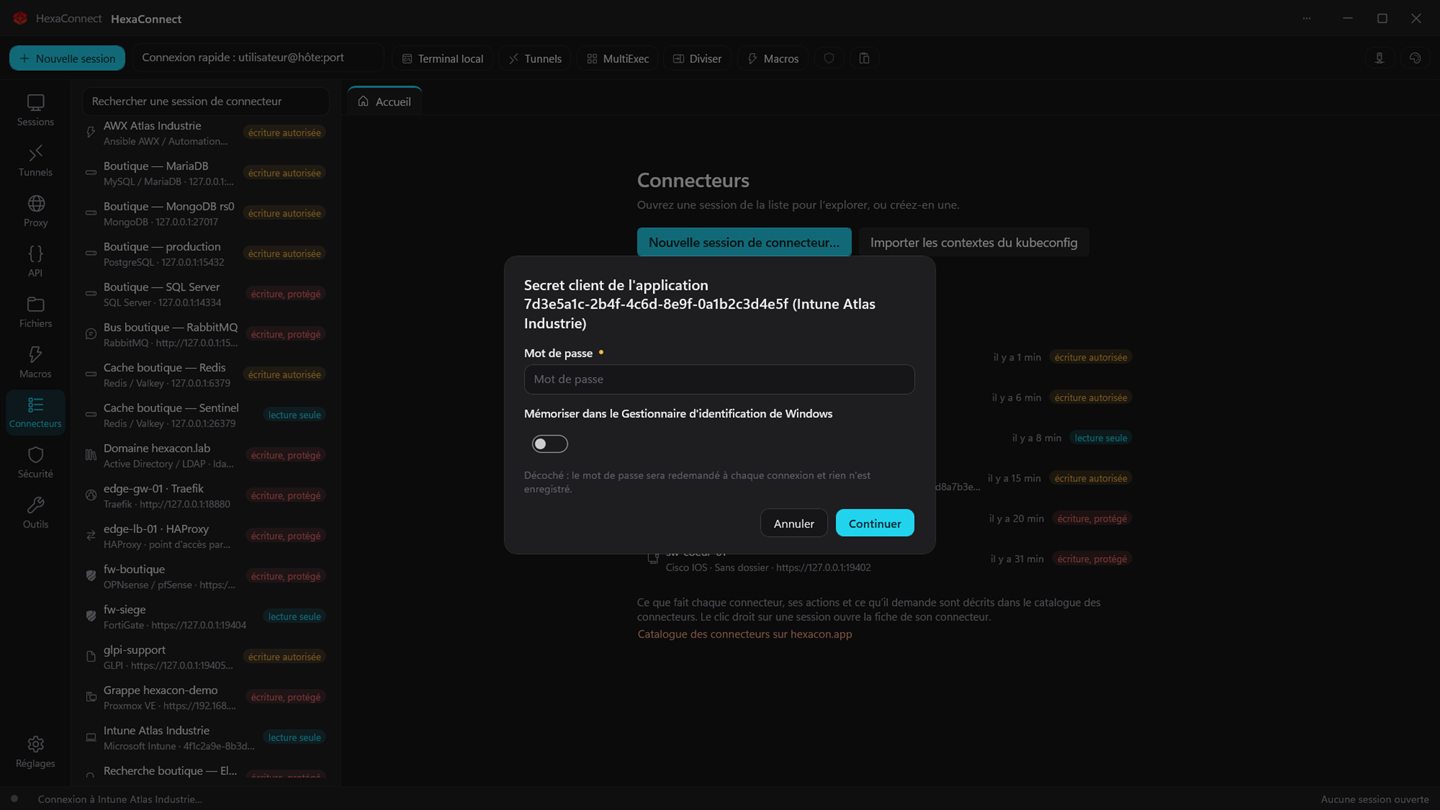
Microsoft Graph with no third-party library: client secret in the vault or certificate, national clouds, SSH relay.

Plan

Read with Discovery, actions with Pro or Enterprise.

Available

Driver and license

No third-party driver: Massive Dynamic code.

Documentation

Recommended account

Entra ID app with the Graph application permissions DeviceManagementManagedDevices.Read.All, DeviceManagementConfiguration.Read.All and DeviceManagementApps.Read.All (Group.Read.All optional); DeviceManagementManagedDevices.PrivilegedOperations.All only to sync. Reading in Discovery, action in Pro.

Connector documentation →

Trademarks mentioned belong to their respective owners; their mention implies neither partnership nor endorsement.