Connector catalog › Directories

Directories

Microsoft Entra ID

Audit and manage your Entra ID tenant through Microsoft Graph, alongside your Active Directory.

Install it from HexaConnect's Connectors view.

Discovery

What you see

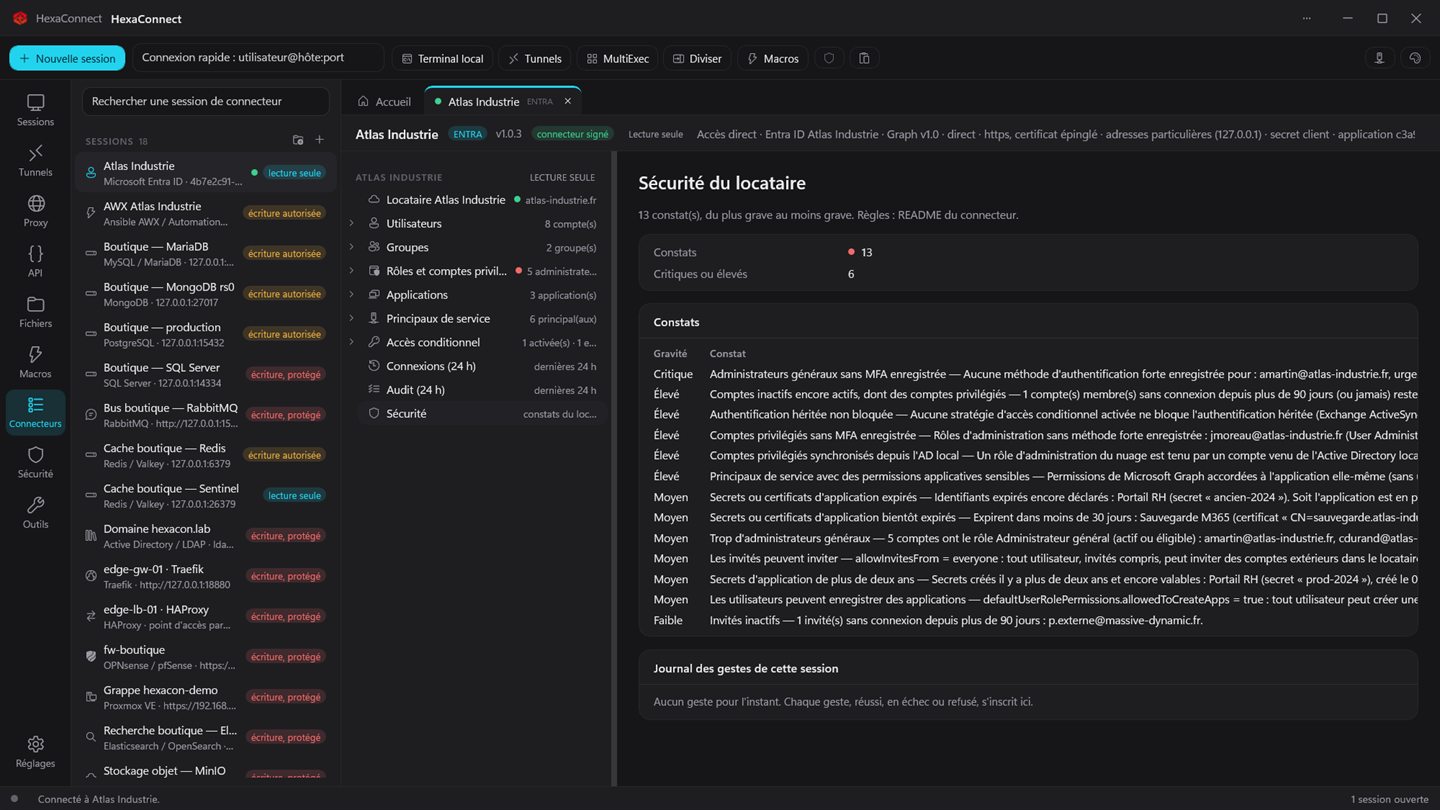
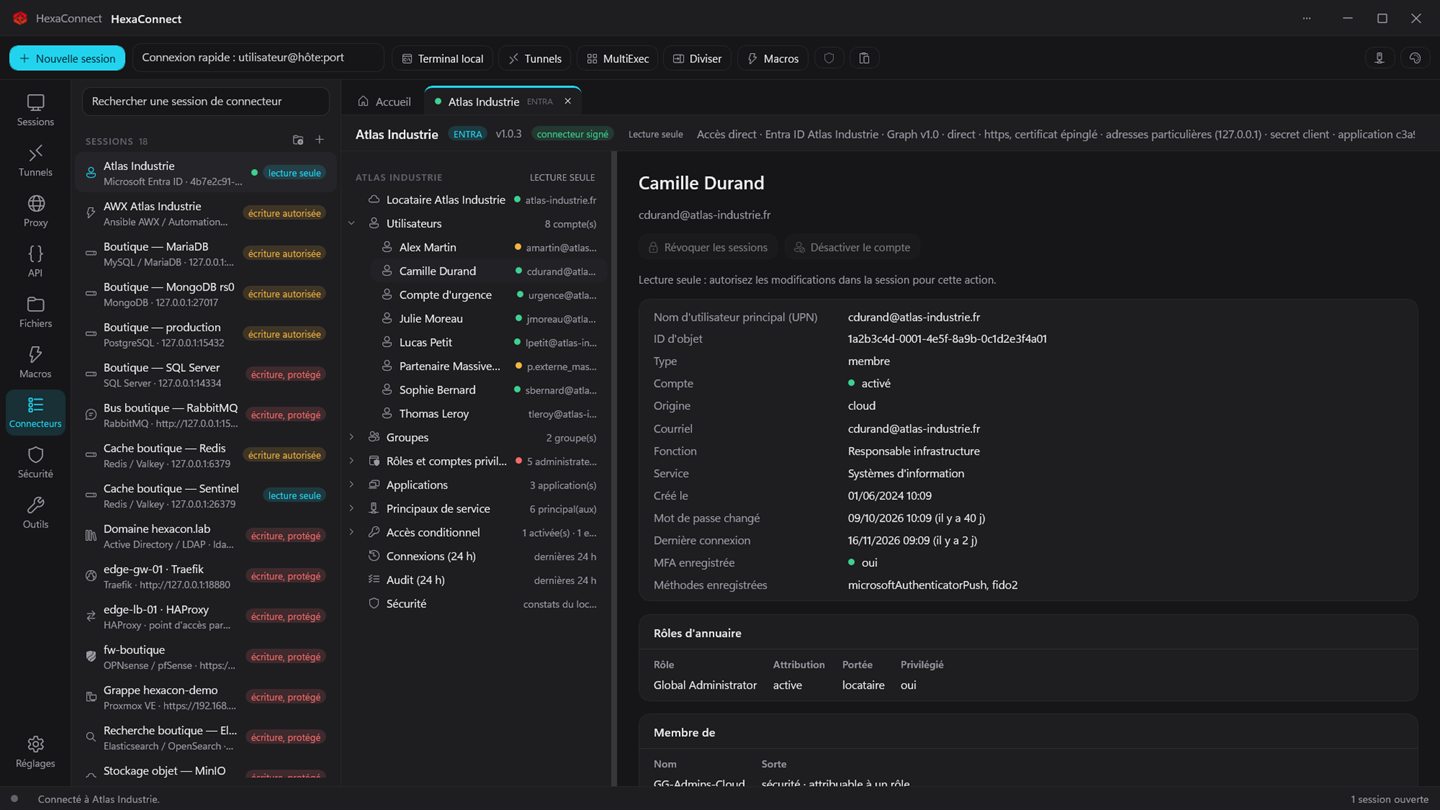
  • Privileged accounts and PIM: global admins, MFA, accounts synced from on-premises AD
  • Apps and service principals: expiring secrets, sensitive application permissions
  • Read-only Conditional Access: is legacy authentication blocked?
  • Sign-in and audit logs for the last 24 hours
Pro

Everyday actions

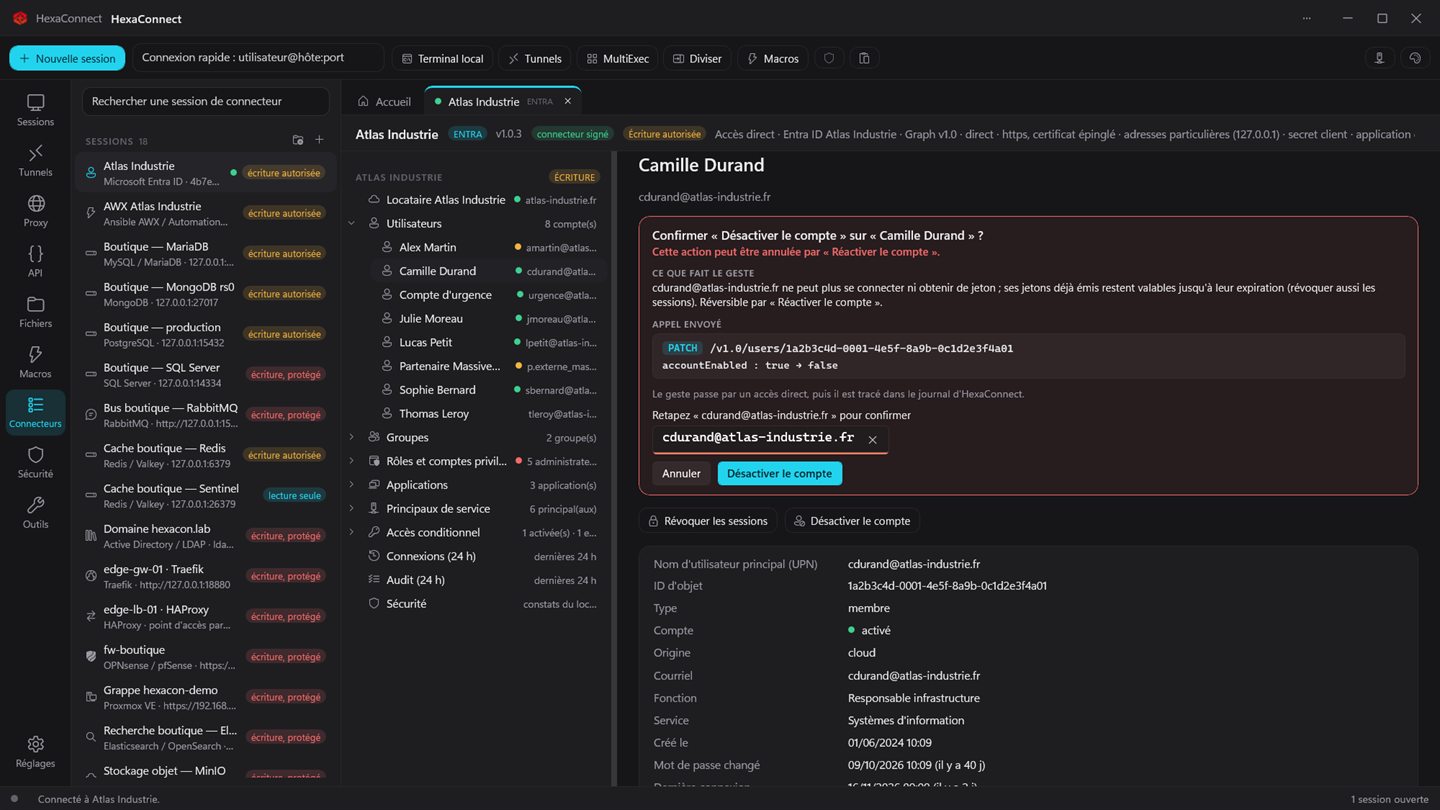
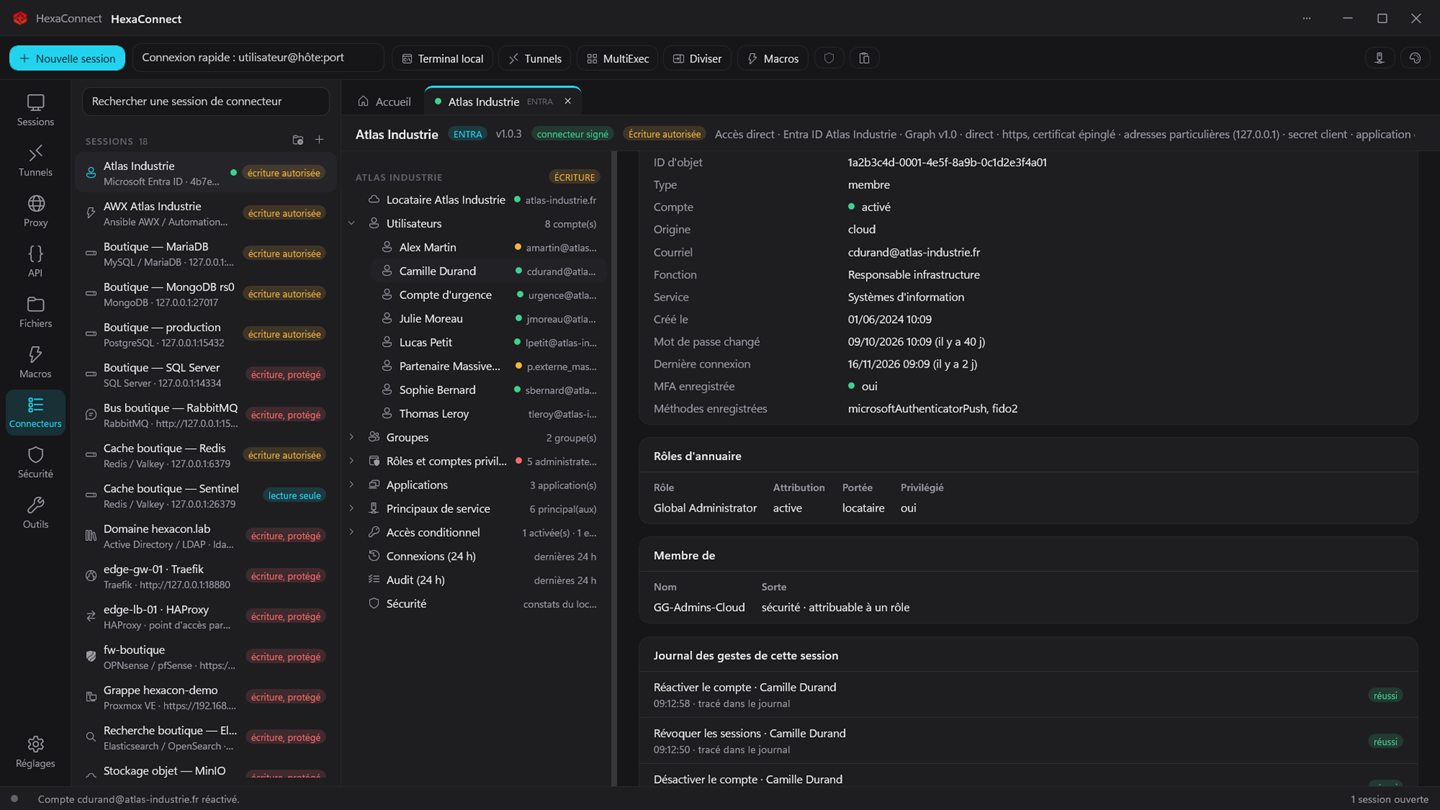
  • Confirmed actions: revoke sessions, disable (retype the UPN) or re-enable an account

Access

Secret kept in the vault, or certificate; a missing permission only hides the view it affects.

Plan

Read with Discovery, actions with Pro or Enterprise.

Available

Driver and license

No third-party driver: Massive Dynamic code.

Documentation

Recommended account

An Entra ID app with User.Read.All, Group.Read.All, RoleManagement.Read.Directory, Application.Read.All, Policy.Read.All, AuditLog.Read.All and Directory.Read.All; for actions, User.RevokeSessions.All and User.EnableDisableAccount.All. Logs and MFA: Entra ID P1; PIM: Entra ID P2.

Connector documentation →

Trademarks mentioned belong to their respective owners; their mention implies neither partnership nor endorsement.