What you see
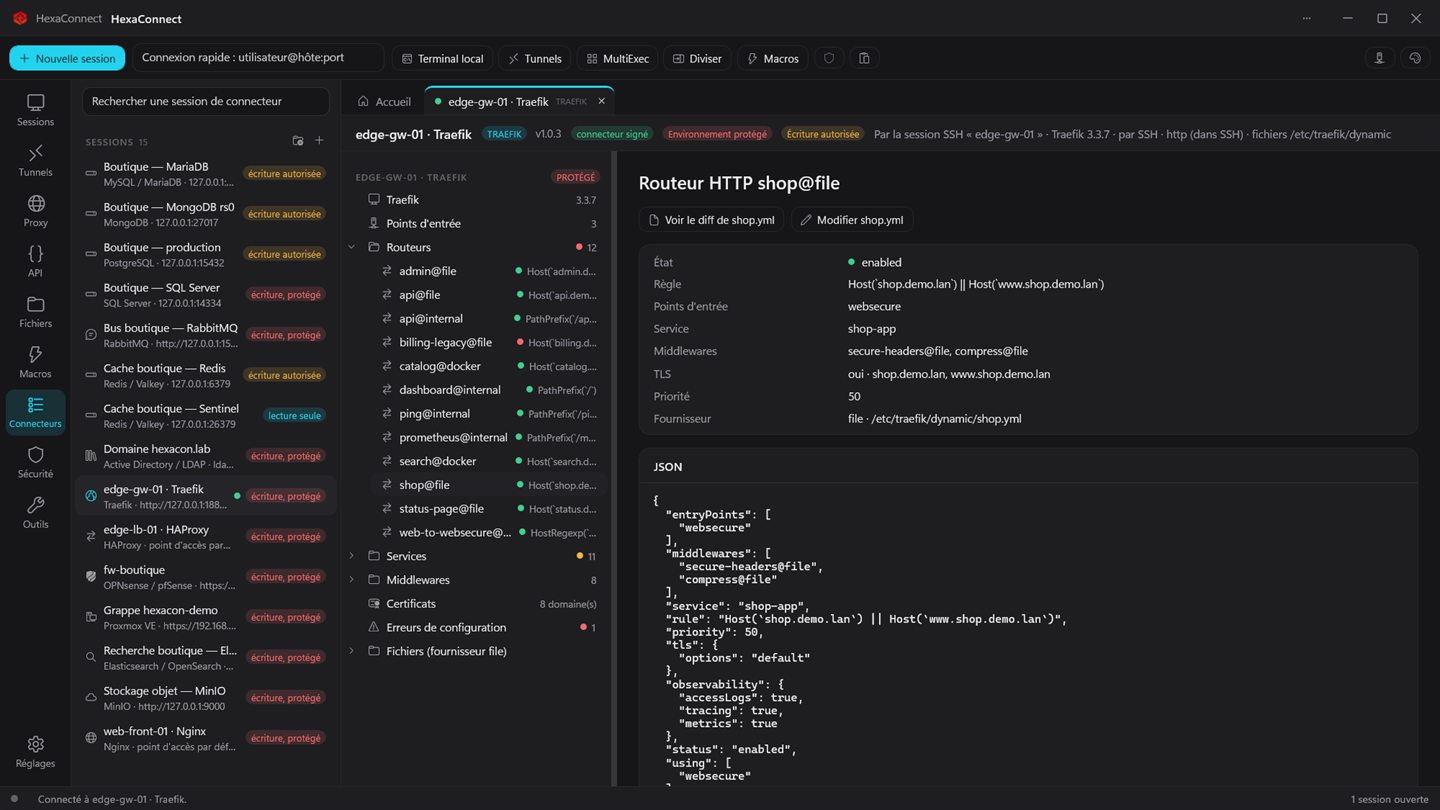
- Entry points and HTTP, TCP, UDP routers
- Services and the health of their servers
- Middlewares, secrets masked
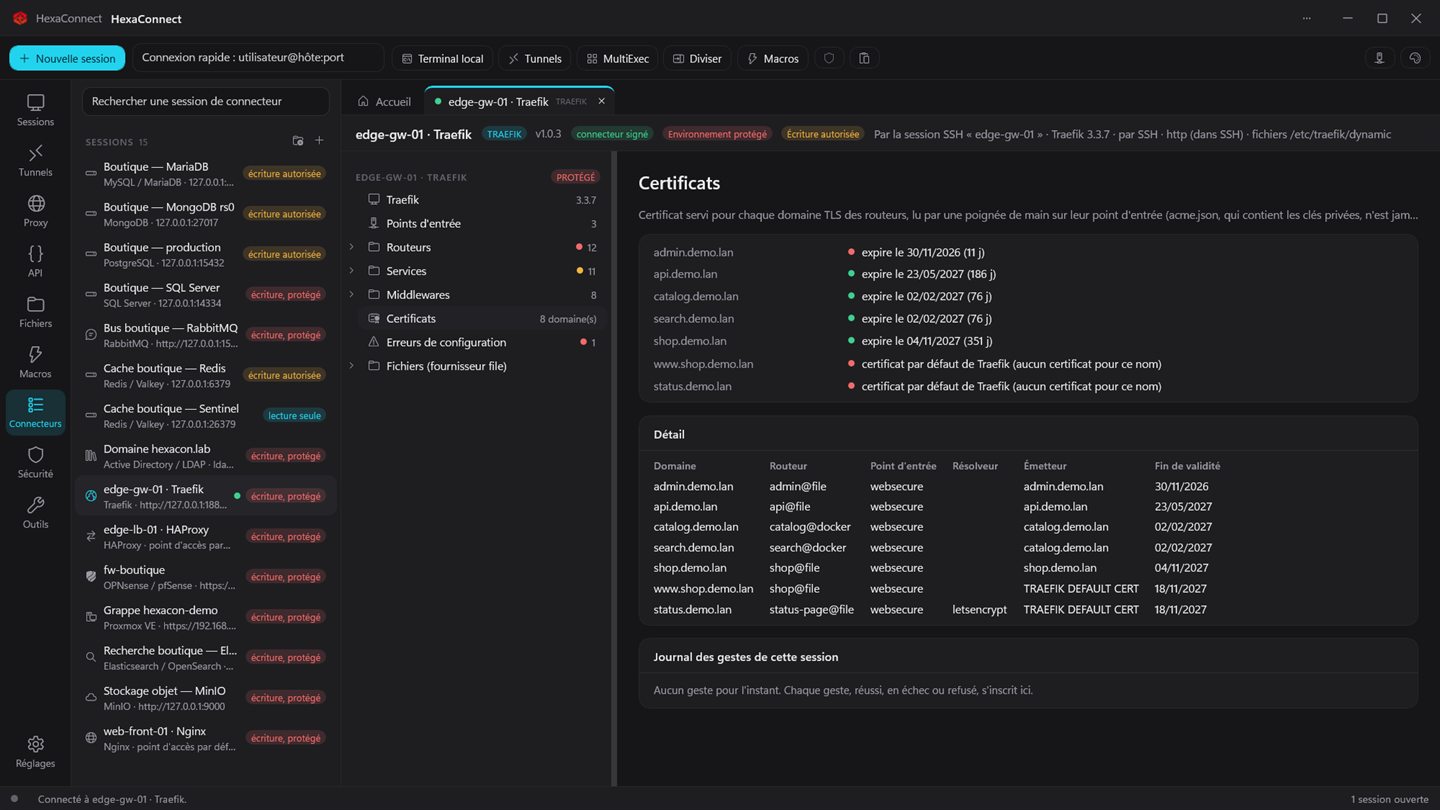
- Served certificates (acme.json, which holds private keys, is never read)
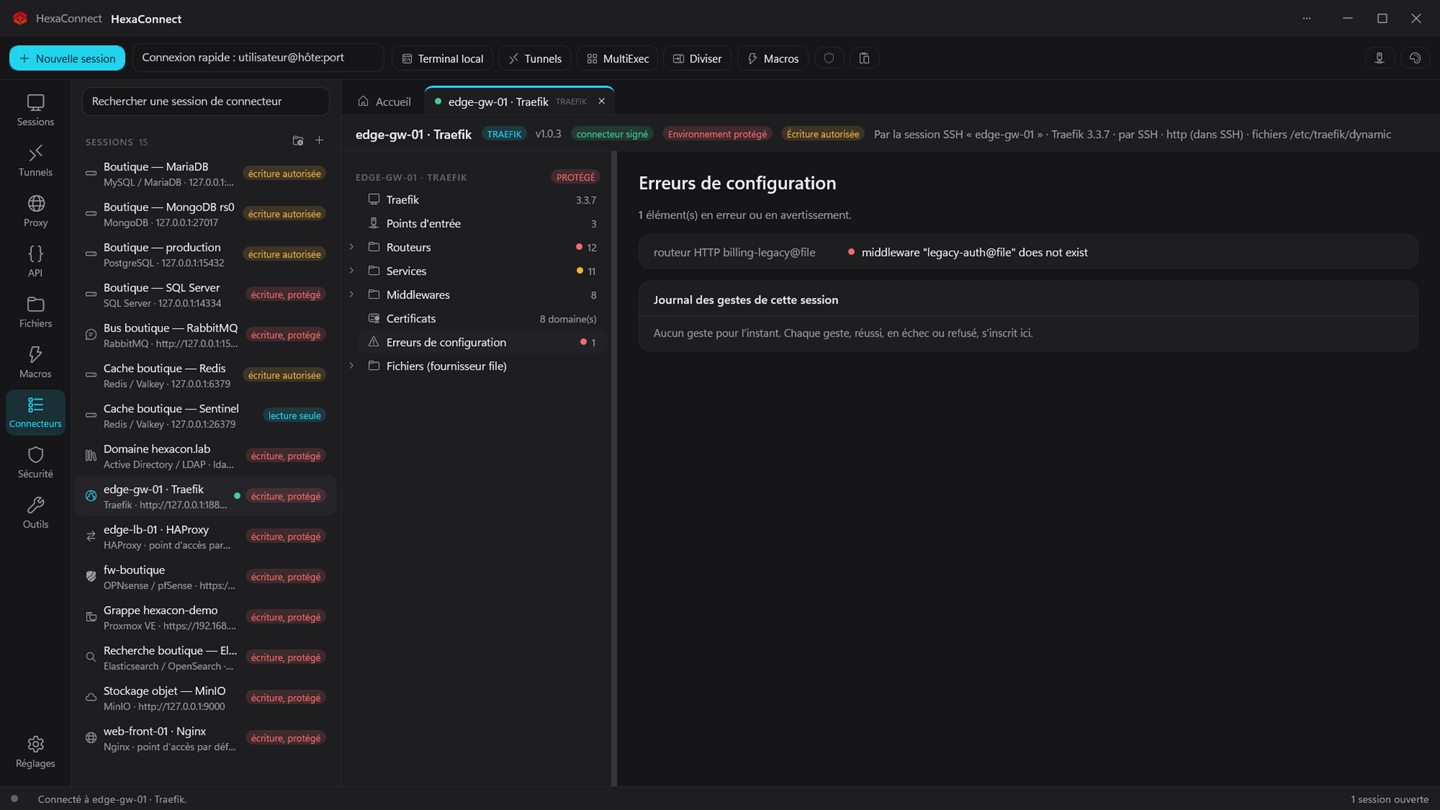
- Configuration errors highlighted
Connector catalog › Proxies and load balancing

Traefik routers, services, middlewares and certificates, through its API.
Install it from HexaConnect's Connectors view.
Live access log, over SSH.
Traefik API through a tunnel, VPN or SSH session; basic or header authentication, secret in the vault; pinnable certificate.
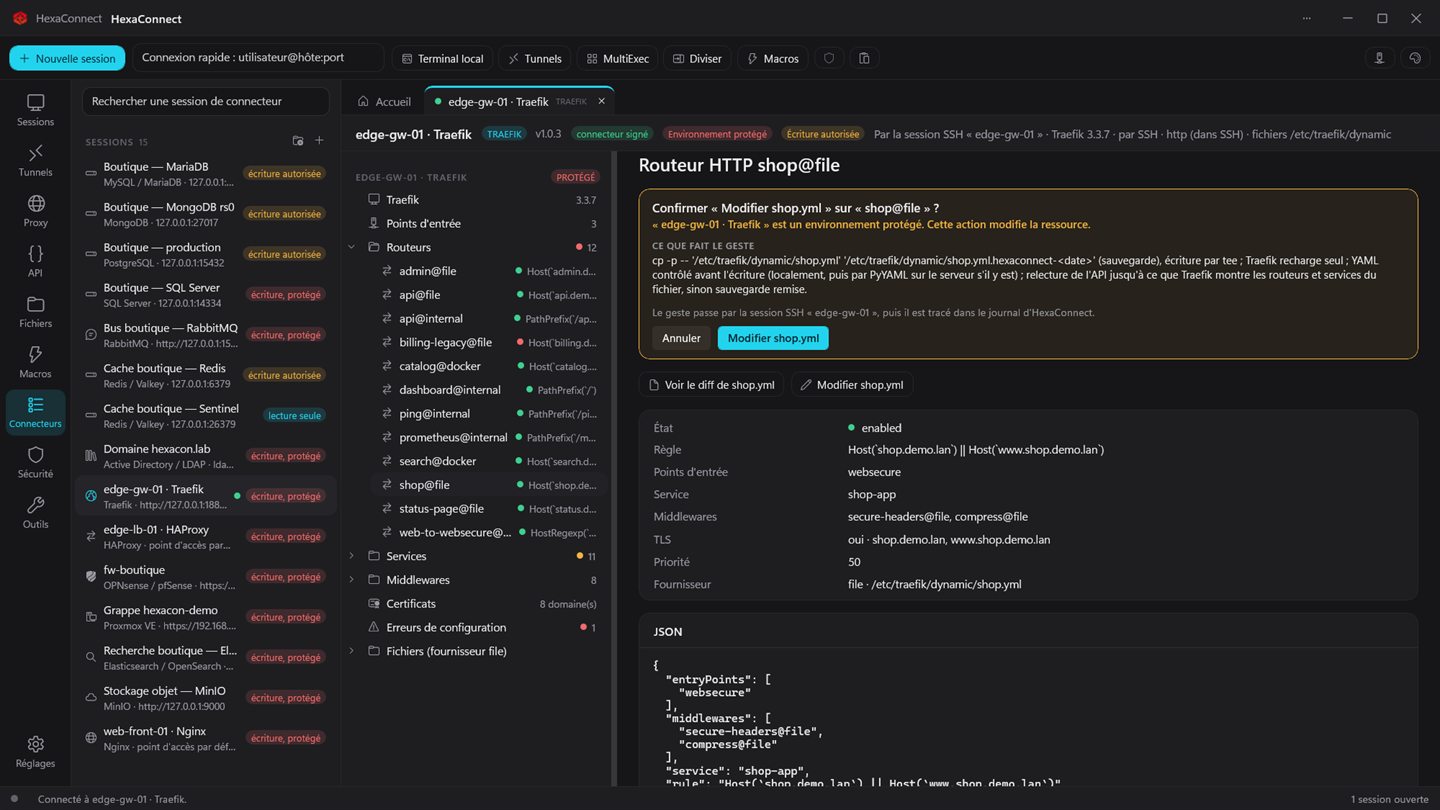
Read with Discovery, actions with Pro or Enterprise.
AvailableNo third-party driver: Massive Dynamic code.
Traefik 2 and 3, API enabled on an internal entry point.
Read access to the API; SSH access to the file provider's folder for changes.
acme.json is never read; a change Traefik does not pick up is put back as it was.
Trademarks mentioned belong to their respective owners; their mention implies neither partnership nor endorsement.
