What you see
- Nodes, drives, health, erasure coding
- Buckets: size, versioning, object lock, quota, anonymous access
- Users, groups, service accounts, policies
- Replication
- Security audit
Connector catalog › Storage

Nodes, drives, buckets, users and replication of a MinIO.
Install it from HexaConnect's Connectors view.
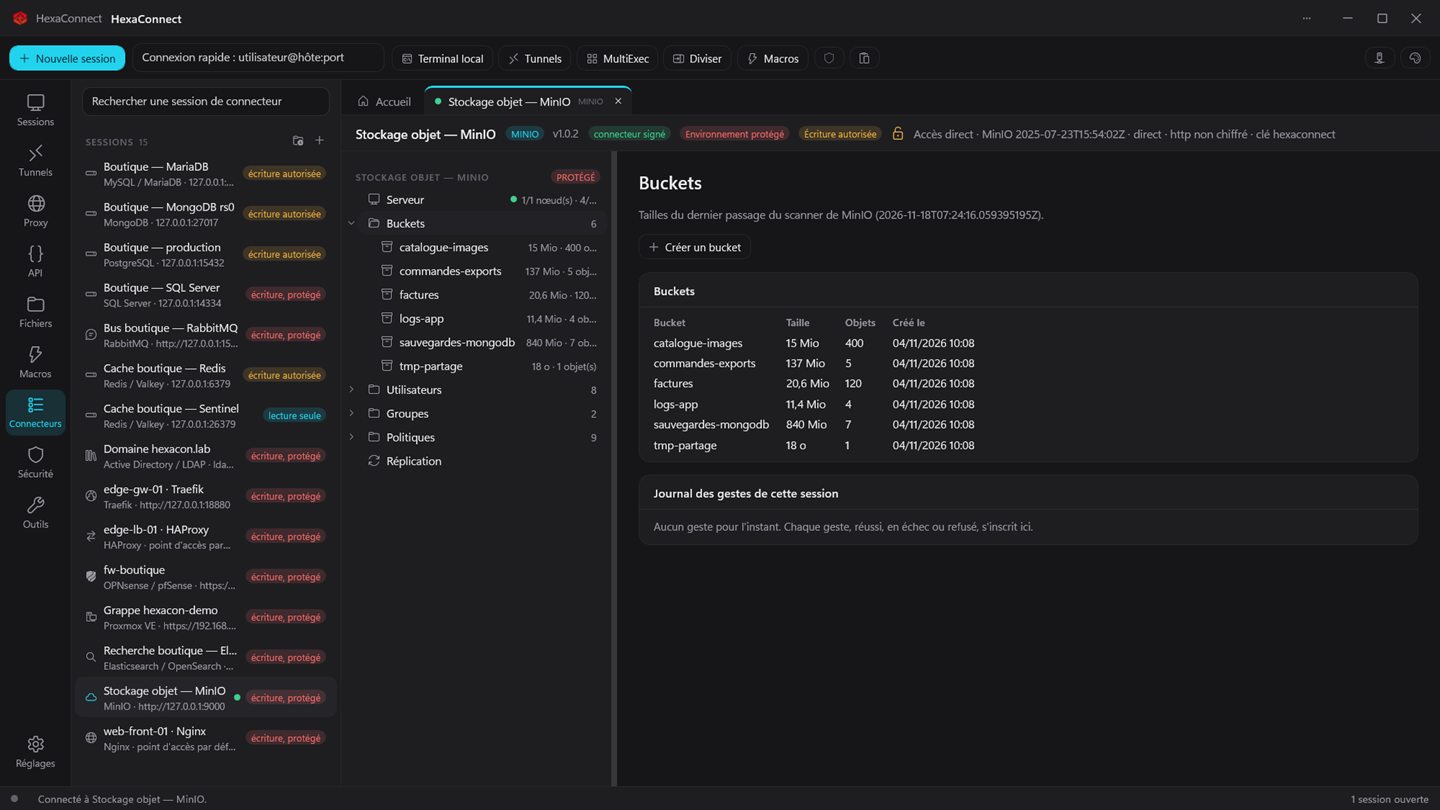
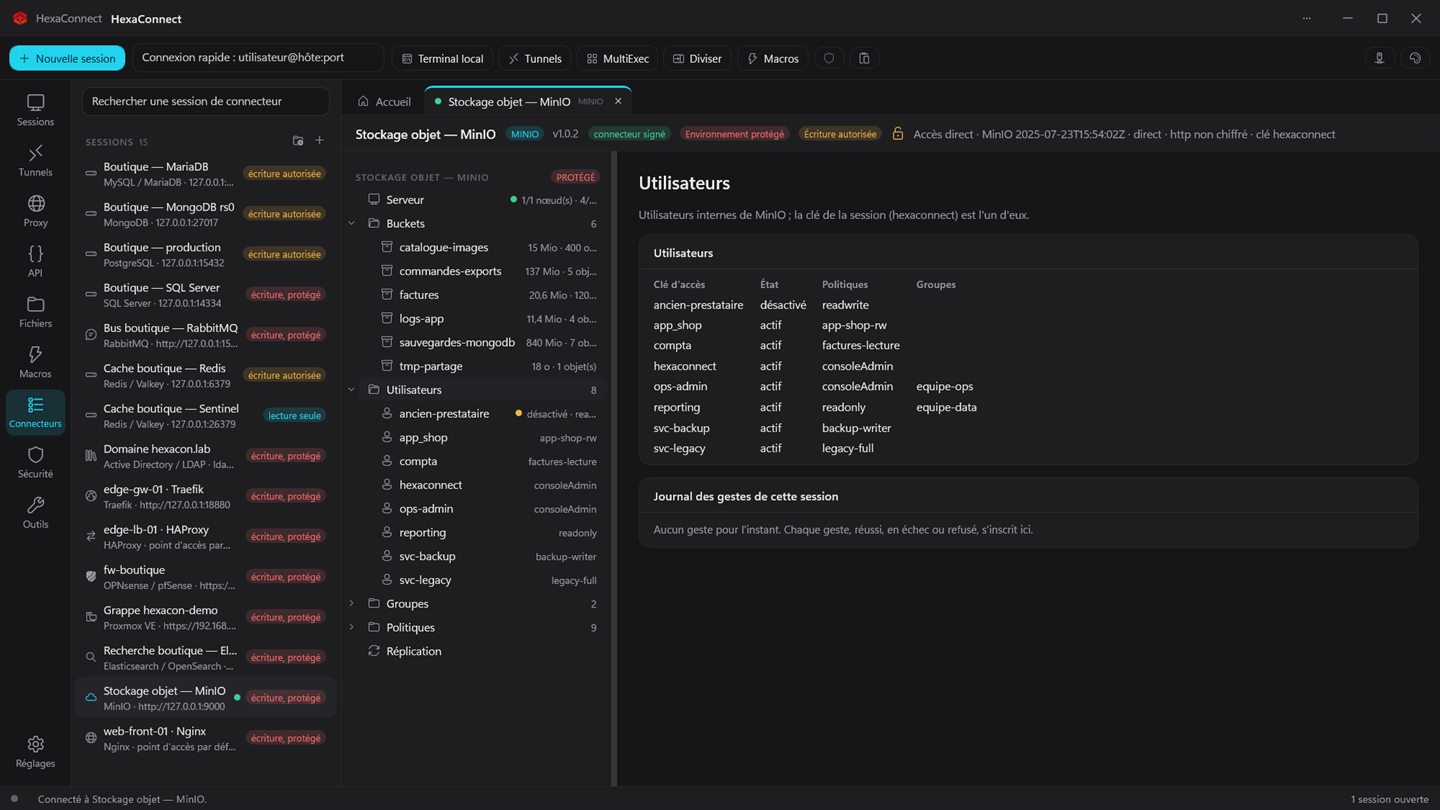
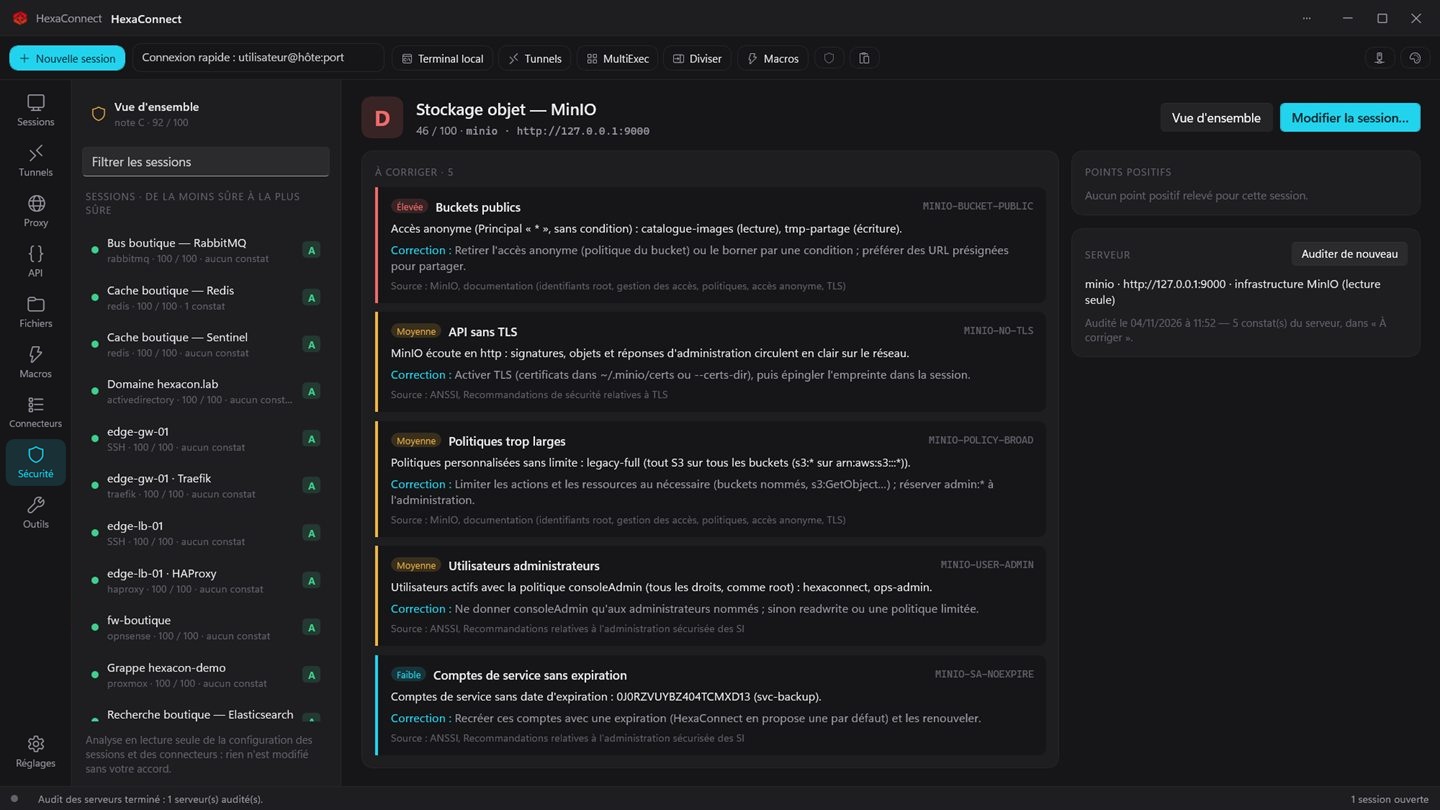
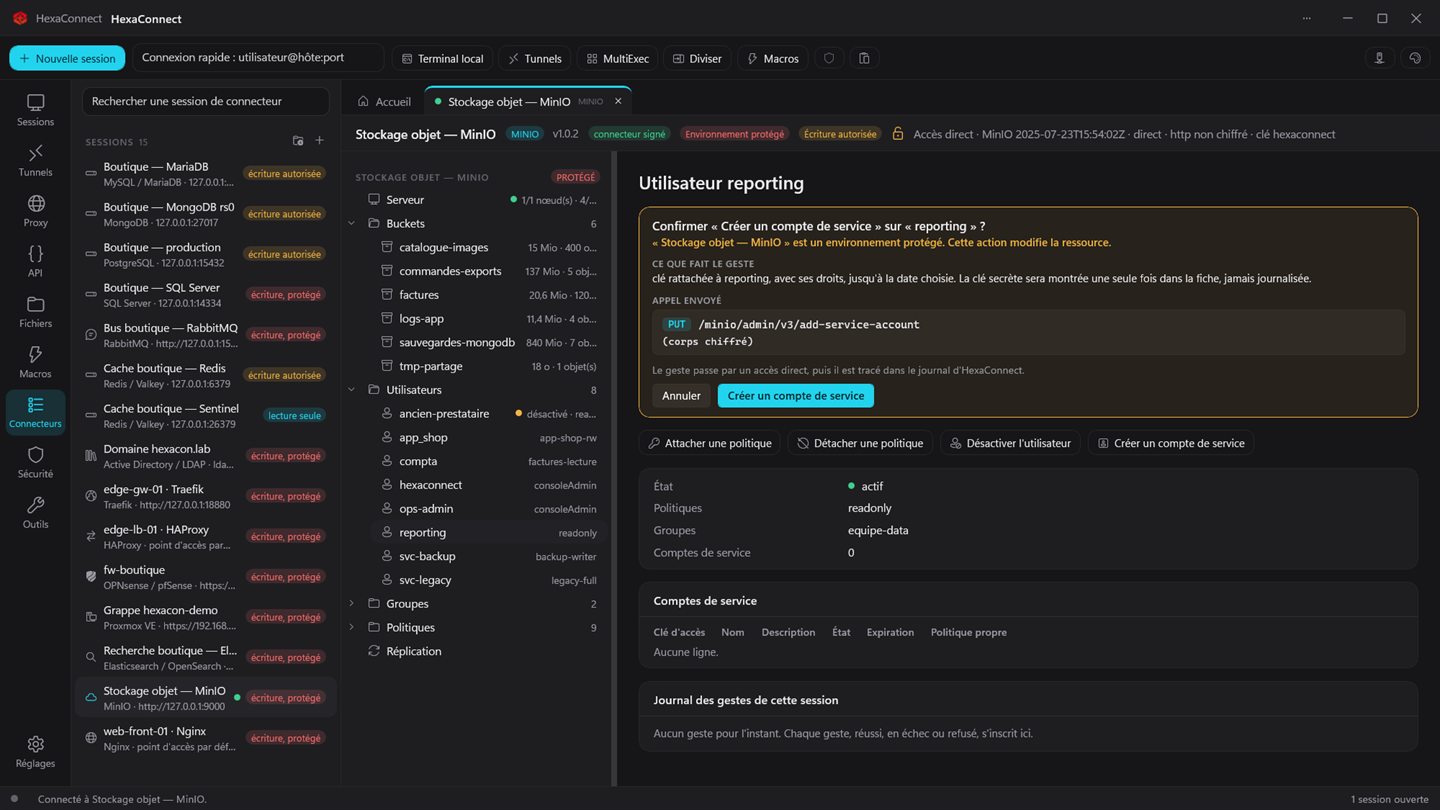
No console: objects open in the Files view (S3).
Admin API and S3 API through a tunnel, VPN or SSH session; secret key in the vault; pinnable certificate. No mc client, no AGPL library.
Read with Discovery, actions with Pro or Enterprise.
AvailableNo third-party driver: Massive Dynamic code.
Recent MinIO (madmin v3 admin API).
readonly policy and admin:ServerInfo for reading; consoleAdmin or dedicated policies for actions.
No mc client and no AGPL library: SigV4-signed calls written by Massive Dynamic.
Trademarks mentioned belong to their respective owners; their mention implies neither partnership nor endorsement.
